Getting Started
Frontend & Marketing Site
The public-facing site your prospective customers see — every page built from real, editable page-builder content.
A real marketing site, not a placeholder
Public Site Every page a prospective customer sees before signing up — Home, Features, Pricing, Product, About, and Contact — is built entirely from the same drag-and-drop Page Builder you control from the admin panel. There is no hardcoded marketing copy to edit in code.
The site automatically adapts to light and dark mode, is fully responsive, and includes a theme switcher in the navigation.
Home page
A hero section, quick-fact stat strip, a live cash-flow chart visual, a "how it works" walkthrough, feature highlight grids, an AI-features spotlight, and an FAQ accordion — all real, editable page-builder content.
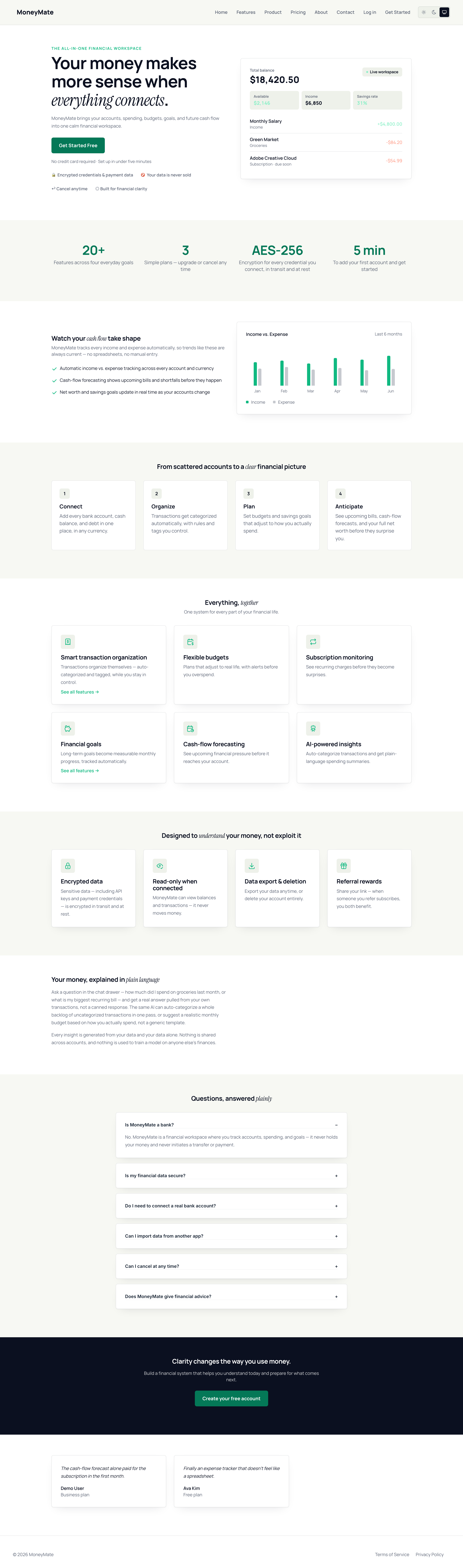
Home page — hero, stats, and feature highlights
Features page
Every capability organized around four outcomes — understand, control, prepare, and improve — instead of a flat settings-style list.
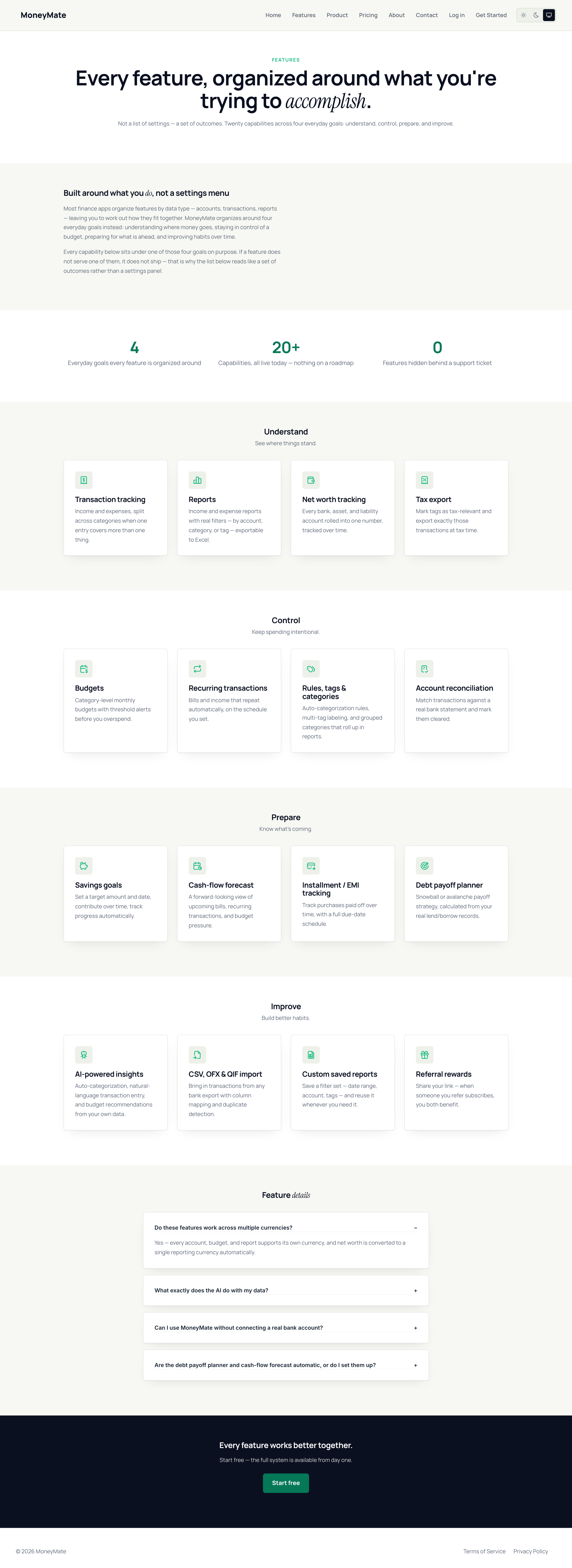
Features page
Pricing page
Pricing cards and the full feature-comparison table are computed live from your real Package configuration — there is nothing to keep in sync by hand. Change a limit in the admin panel and the public pricing page updates automatically.
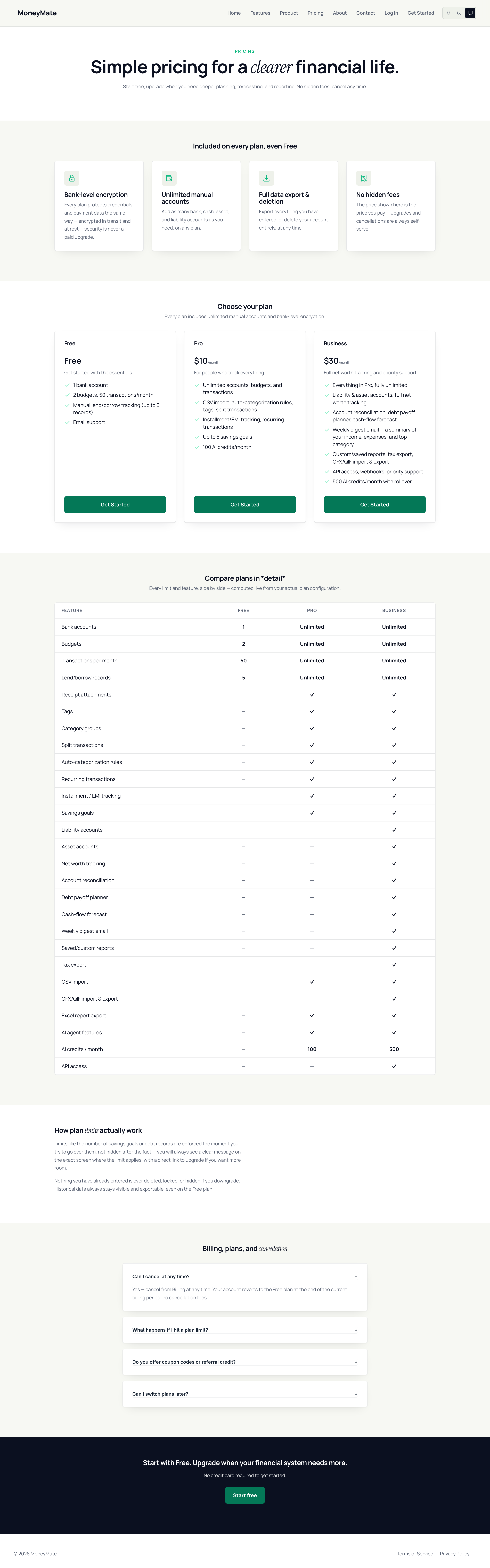
Pricing page with live plan comparison
Product page
A deeper walkthrough of the application for visitors who want more detail than the Features page before signing up.
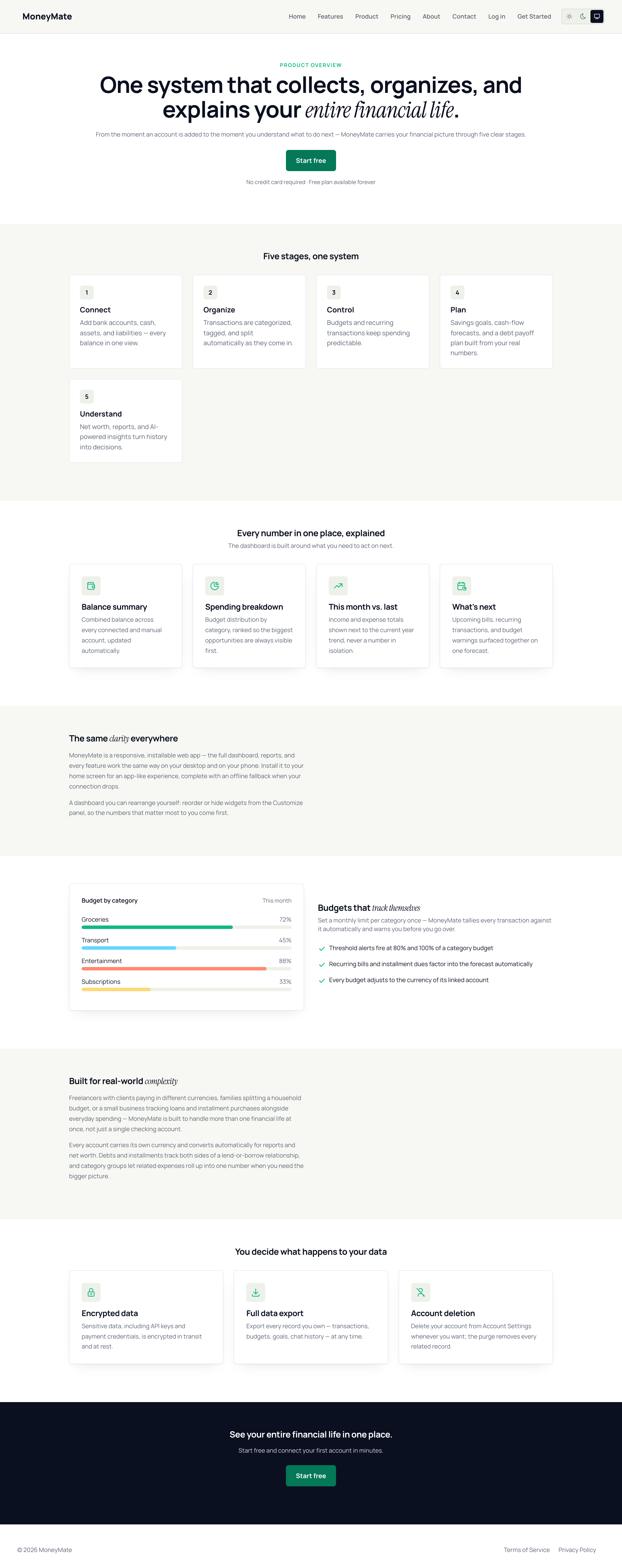
Product overview page
About page
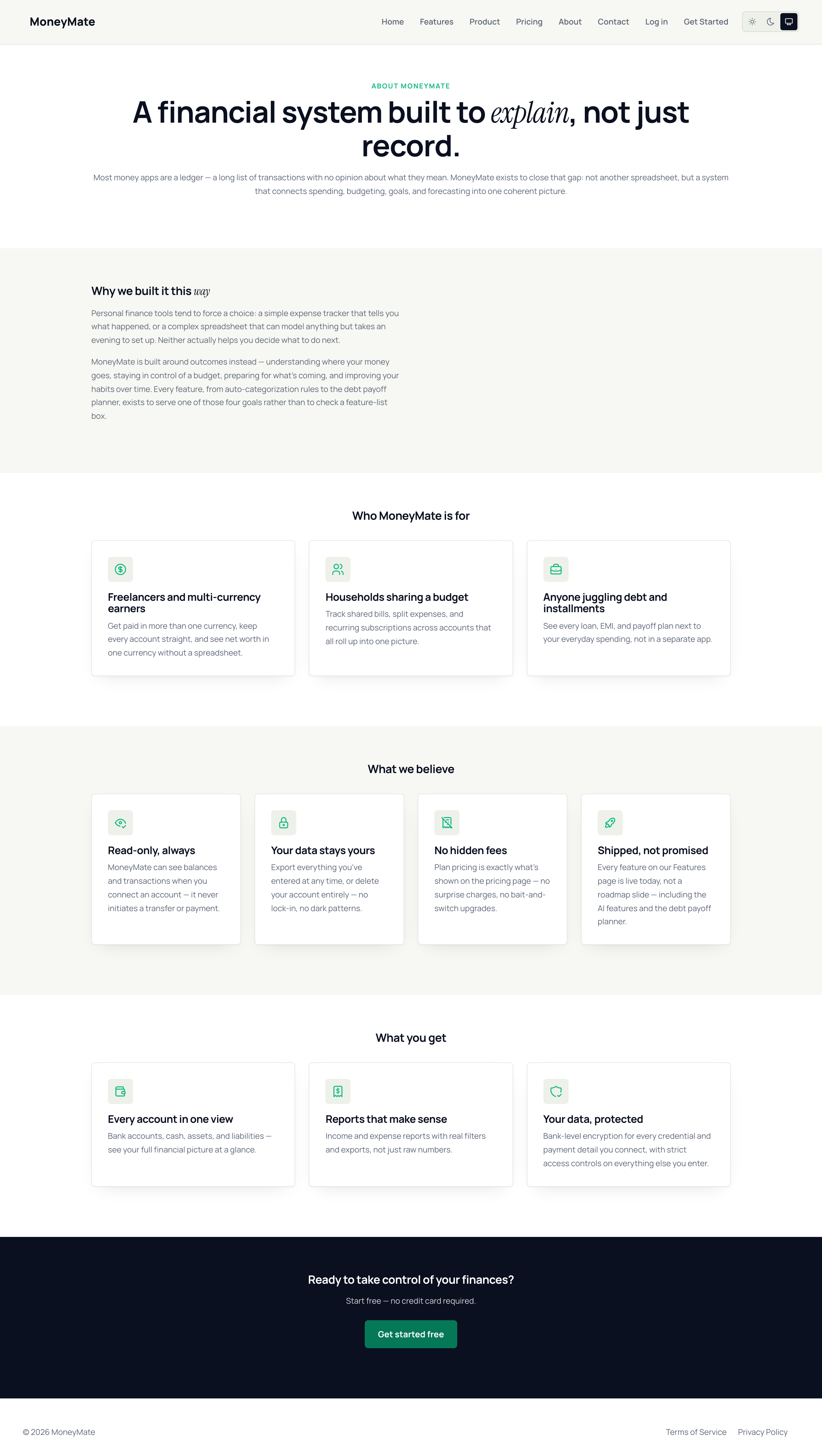
About page
Contact page
A working contact form that emails your configured support address, plus quick-contact cards and a pre-contact FAQ.
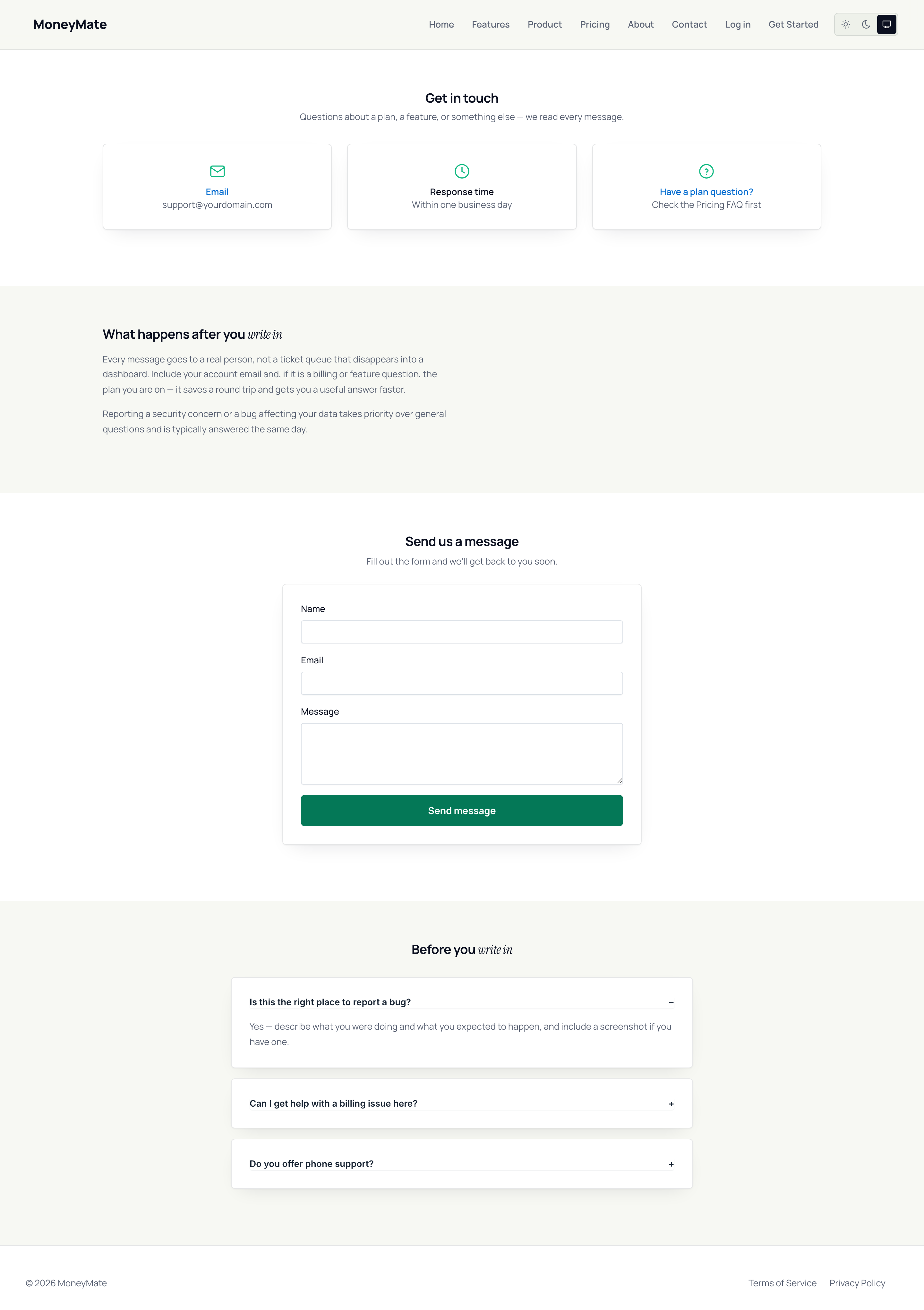
Contact page
Authentication pages
Login, registration (with a plan picker), and password reset all share the same polished public design system.
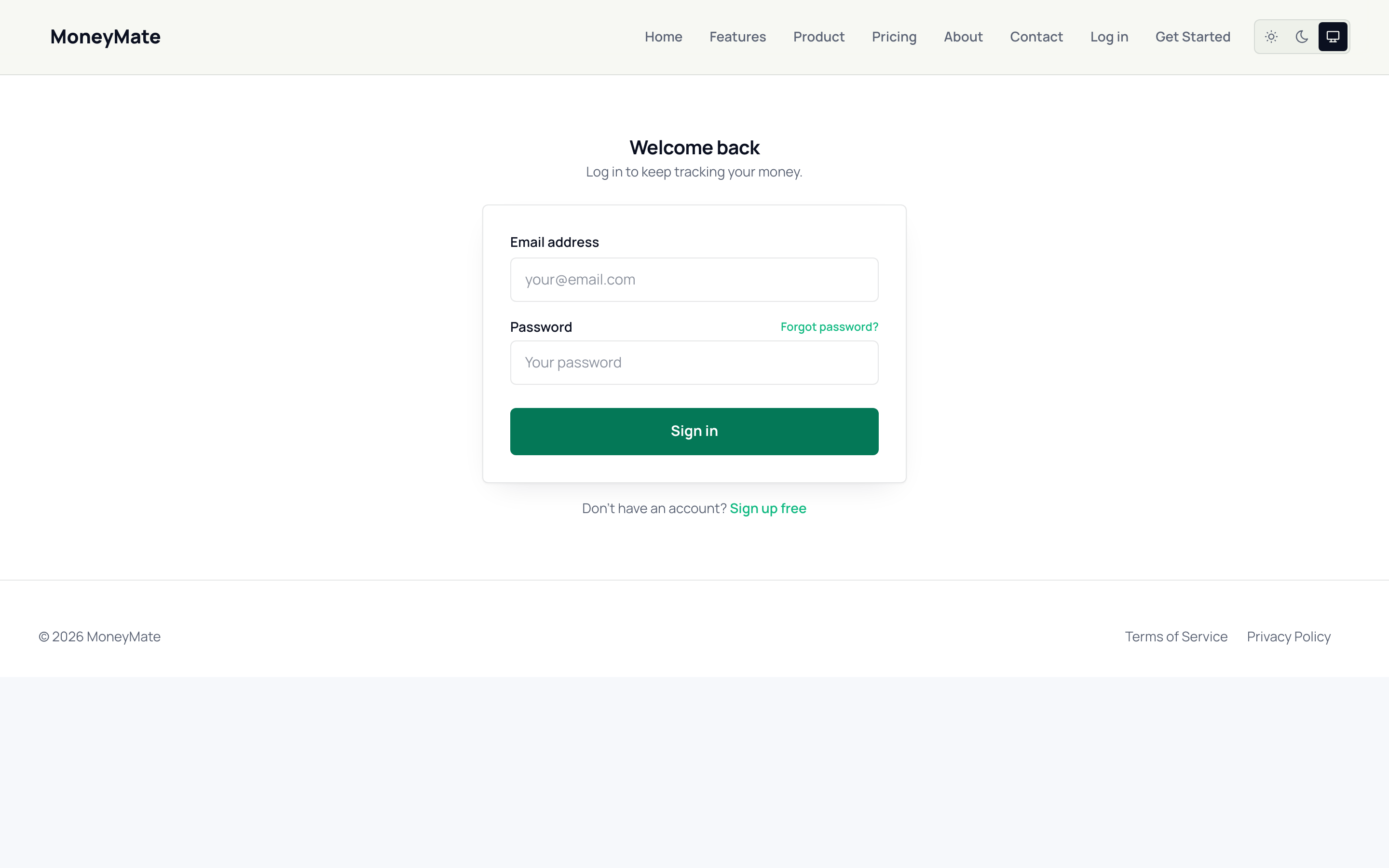
Login page
Choosing a paid plan reveals a coupon field with a live, server-validated discount preview — the price updates before the subscriber ever reaches Stripe Checkout, and the applied code carries straight through so there's no separate "add promotion code" step on Stripe's own page. A code appended as ?coupon=CODE to the registration URL (handy for marketing links and emails) applies itself automatically.
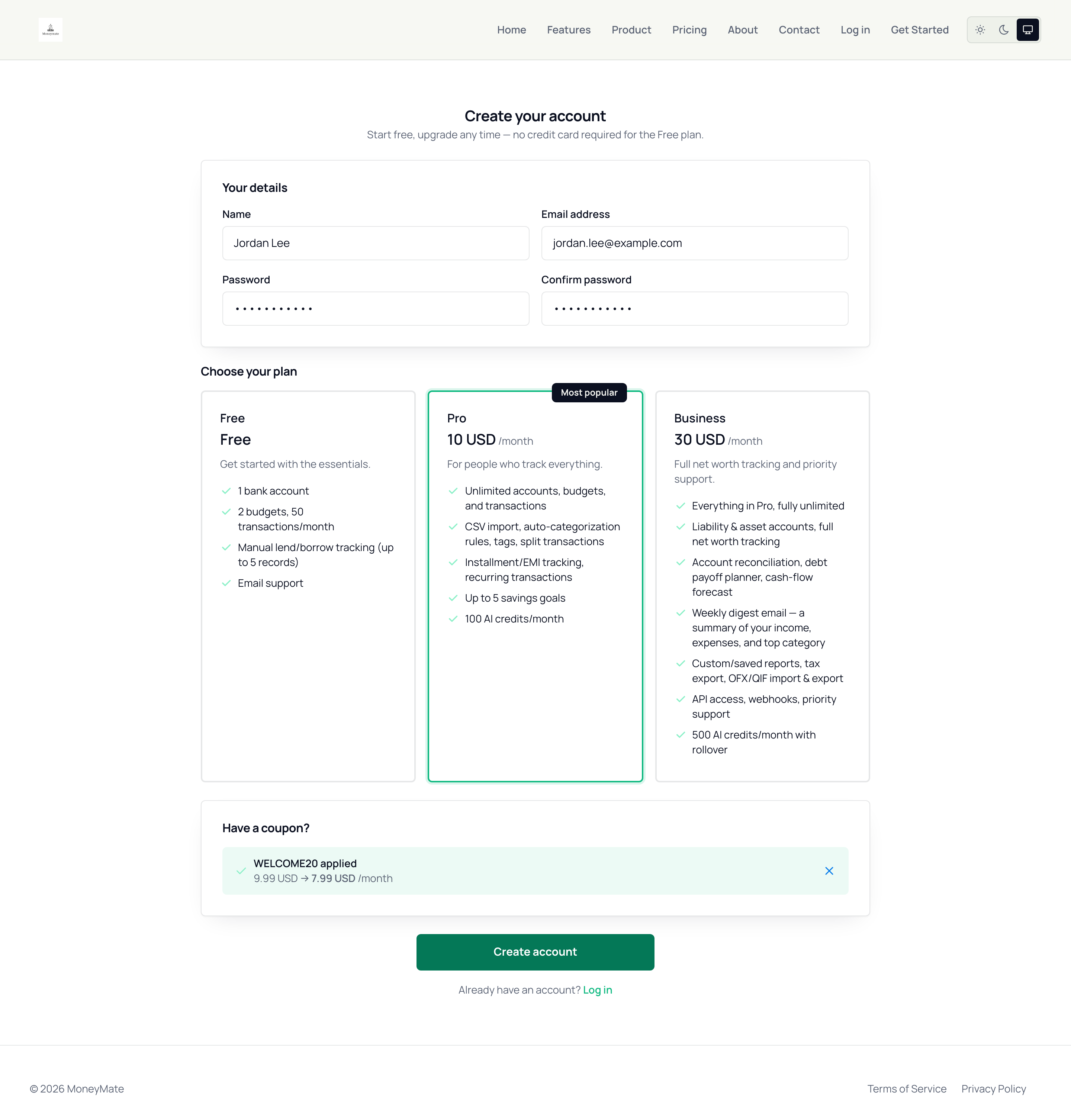
Registration page — plan selection with an applied coupon and live discounted price
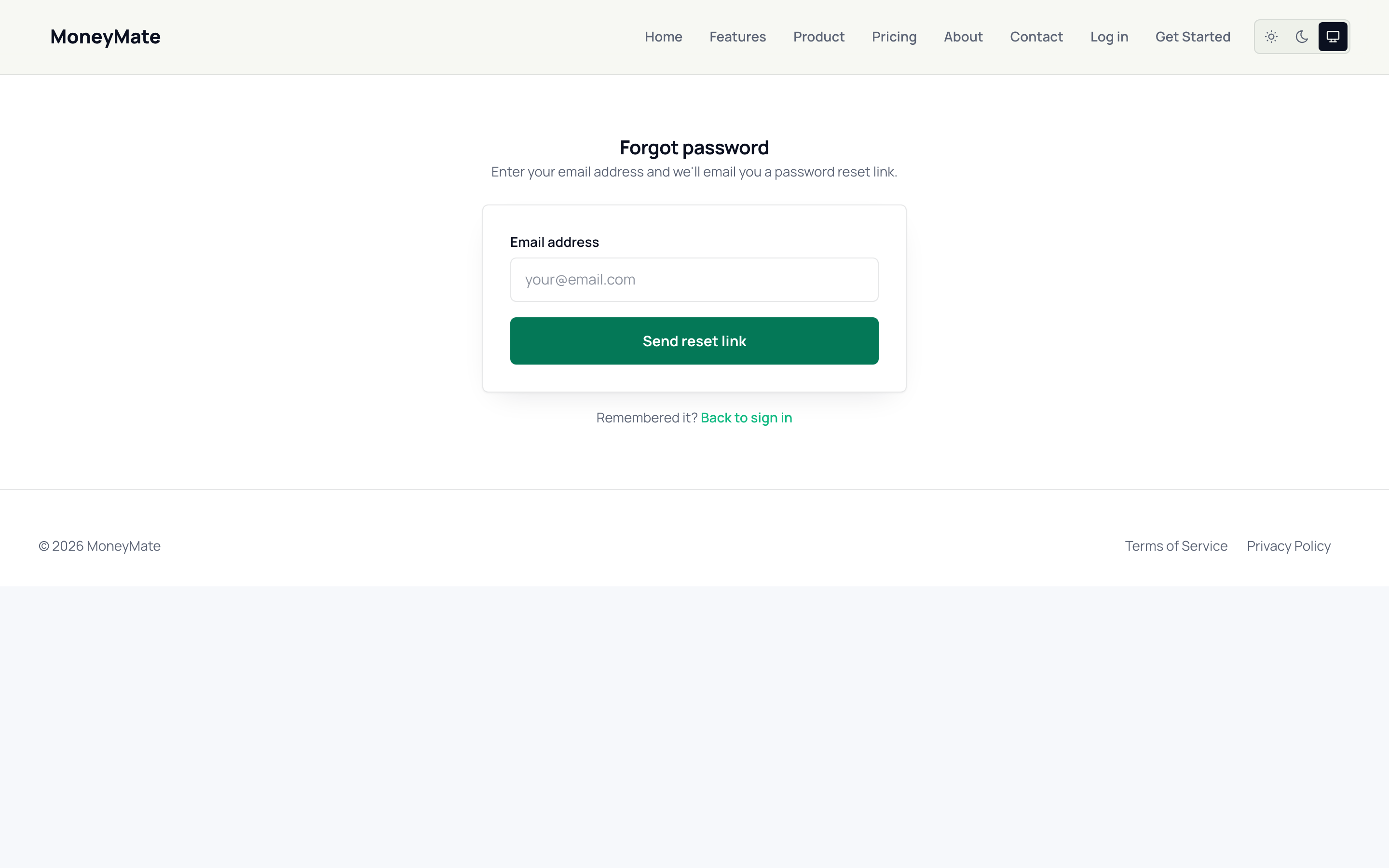
Forgot password page