Admin Panel
AI Providers & Agents
Configure the AI providers powering auto-categorization, natural-language entry, budget recommendations, and the chat assistant.
AI Providers
Admin Panel Configure API credentials for OpenAI, Anthropic, Google (Gemini), or any custom OpenAI-compatible endpoint — pick the provider from a dropdown when adding one, and for a custom provider supply your own base URL. Keys are encrypted at rest and never exposed to the frontend. Configure as many providers as you like, mark one default, and pin individual action types to a specific provider when you don't want them following the default. A Test connection action on each configured provider makes one real, minimal live API call to confirm the key/model/base URL actually work before you rely on it.
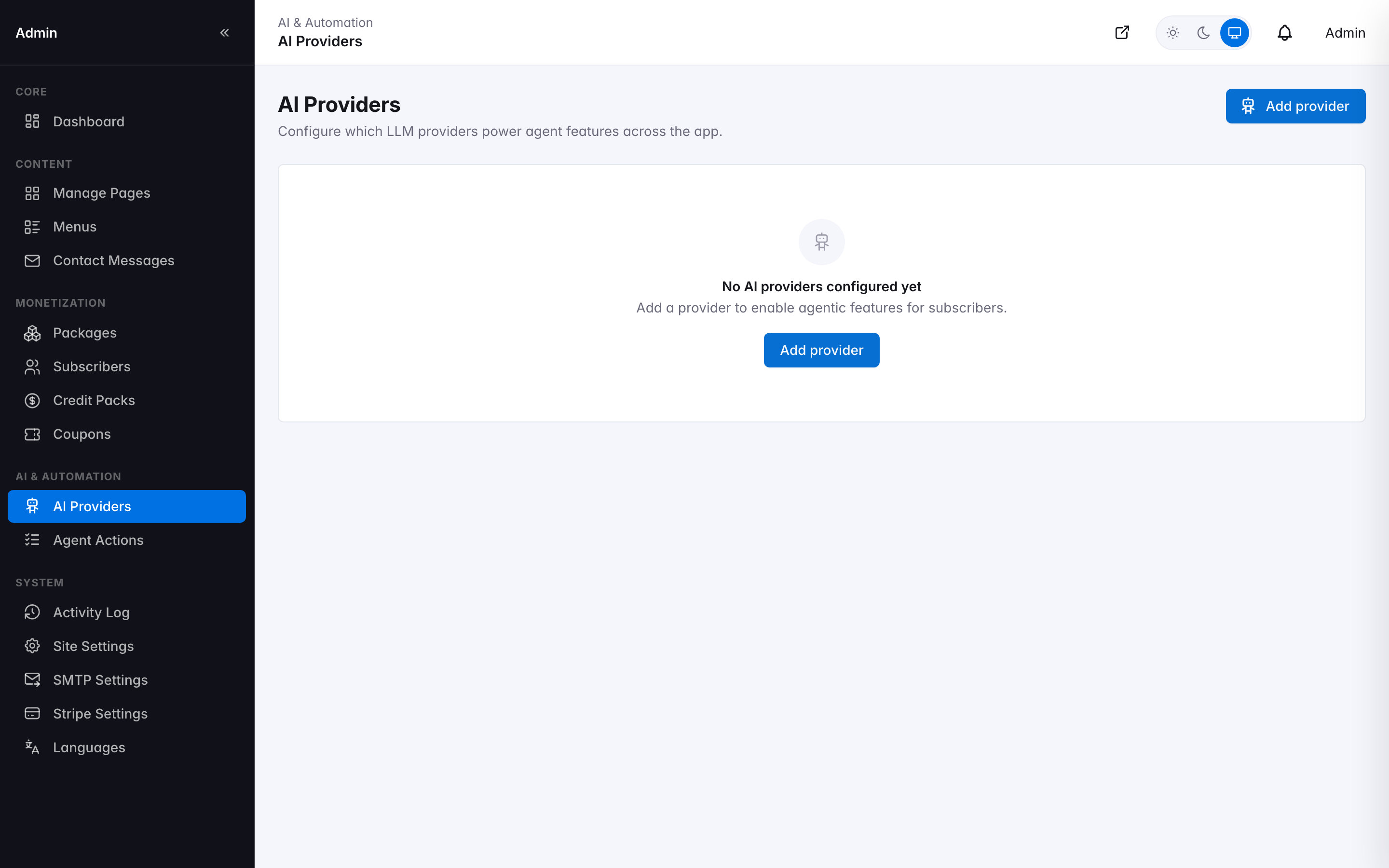
AI Providers configuration
Agent Action Types
Every AI action your application can perform — auto-categorization, budget recommendations, spending-insight reports, spending-optimization insights, debt trend insights, chat queries, and a debt payoff narrative (ships disabled — an early placeholder row with no handler behind it yet, functionally unfinished rather than blocked on anything specific) — is a configurable "action type" with its own credit cost, provider, and model override. Adjust how many AI credits each action consumes, pin it to a specific AI provider, or disable an action type entirely. Track actual usage per action over time in the Credit Usage Report.
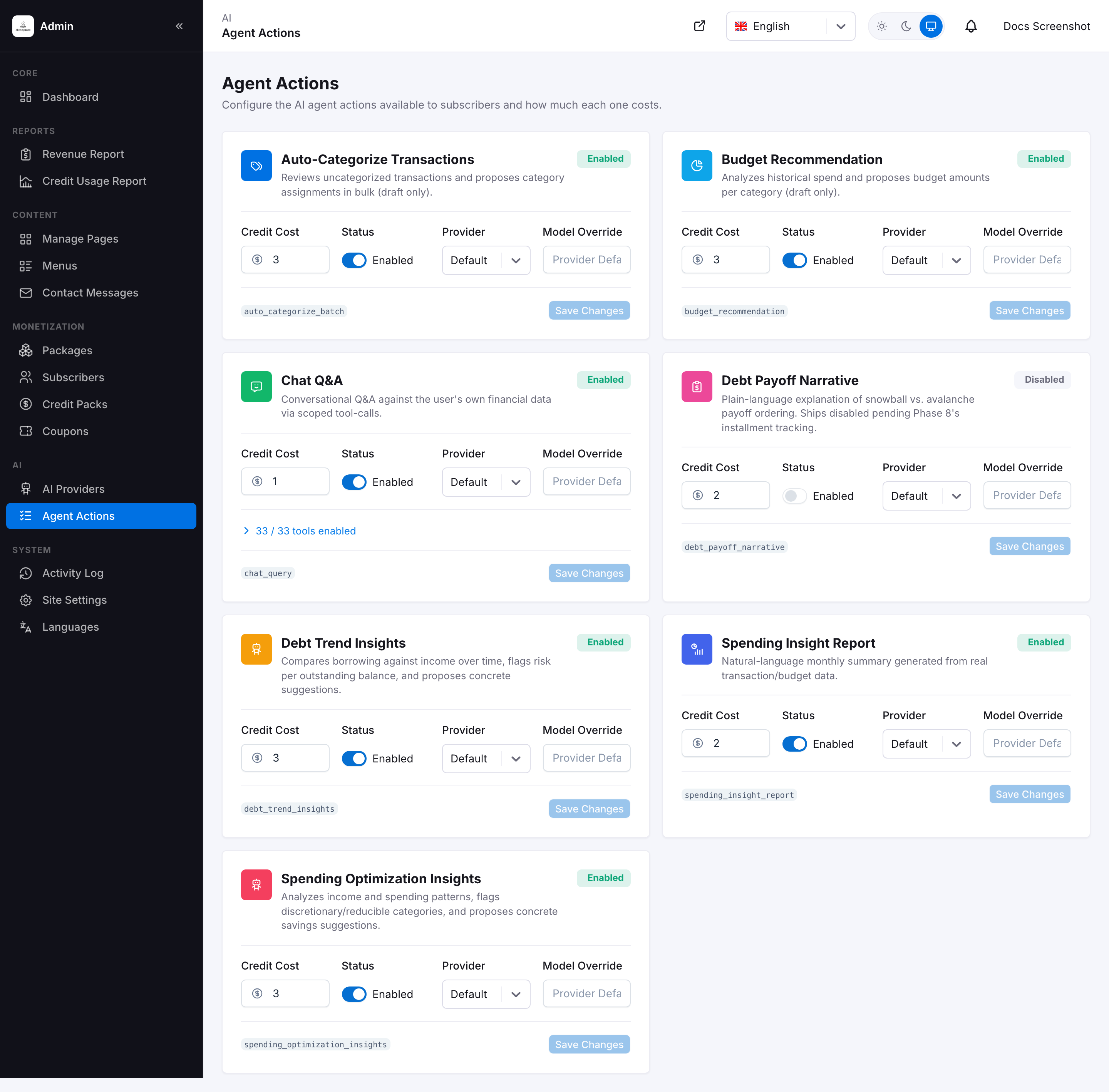
Agent Action Types and their credit costs
Disabling an action type doesn't hide its button or entry point in the user panel — the chat bubble, the "Suggest a budget with AI" button, and similar all stay visible regardless. What changes is that using it fails instead of working, since the action type it dispatches to no longer exists as an enabled option. Only turn one off if you intend to stop offering that capability, not as a quick way to hide it from the UI.
Two action types are gated twice, independently — this on/off toggle here (app-wide, admin-controlled) and a per-tier flag on the subscriber's package (controls whether that subscriber's plan includes the feature at all, regardless of this toggle). Both must be satisfied: turning one off here blocks every subscriber regardless of plan; a subscriber on a plan without the flag is blocked regardless of this toggle. Spending Optimization Insights uses its own dedicated spending_insights_enabled flag — it earned a new one because it also has a substantial non-AI chart a plan's tier can gate on its own merits (see Spending Insights). Debt Trend Insights reuses the existing debt_payoff_planner_enabled flag instead of adding a third — it's the same "debt features" tier requirement as the Debt Payoff Planner, so one flag covers both rather than one per feature. Every other action type here relies solely on the blanket agentic_features_enabled plan flag with no feature-specific flag of its own.
Tool Catalog (Chat Q&A)
The chat assistant is the one action type built to do more than a single fixed job — it can answer questions and record things for the subscriber (expenses, incomes, transfers, savings goal contributions, lend/borrow entries, budgets, recurring transactions, installment plans and payments, new accounts, categories, and tags), deciding at runtime which of its tools a given message needs. Which individual tools it's allowed to call is admin-configurable from its card — expand the "X / Y tools enabled" row to get a checklist grouped into Read tools (fetch the subscriber's own data — transactions, balances, budgets, goals, and more) and Propose tools (draft a new record of some kind). Uncheck any tool you don't want the assistant calling and save — it takes effect on the assistant's very next message, no deploy needed.
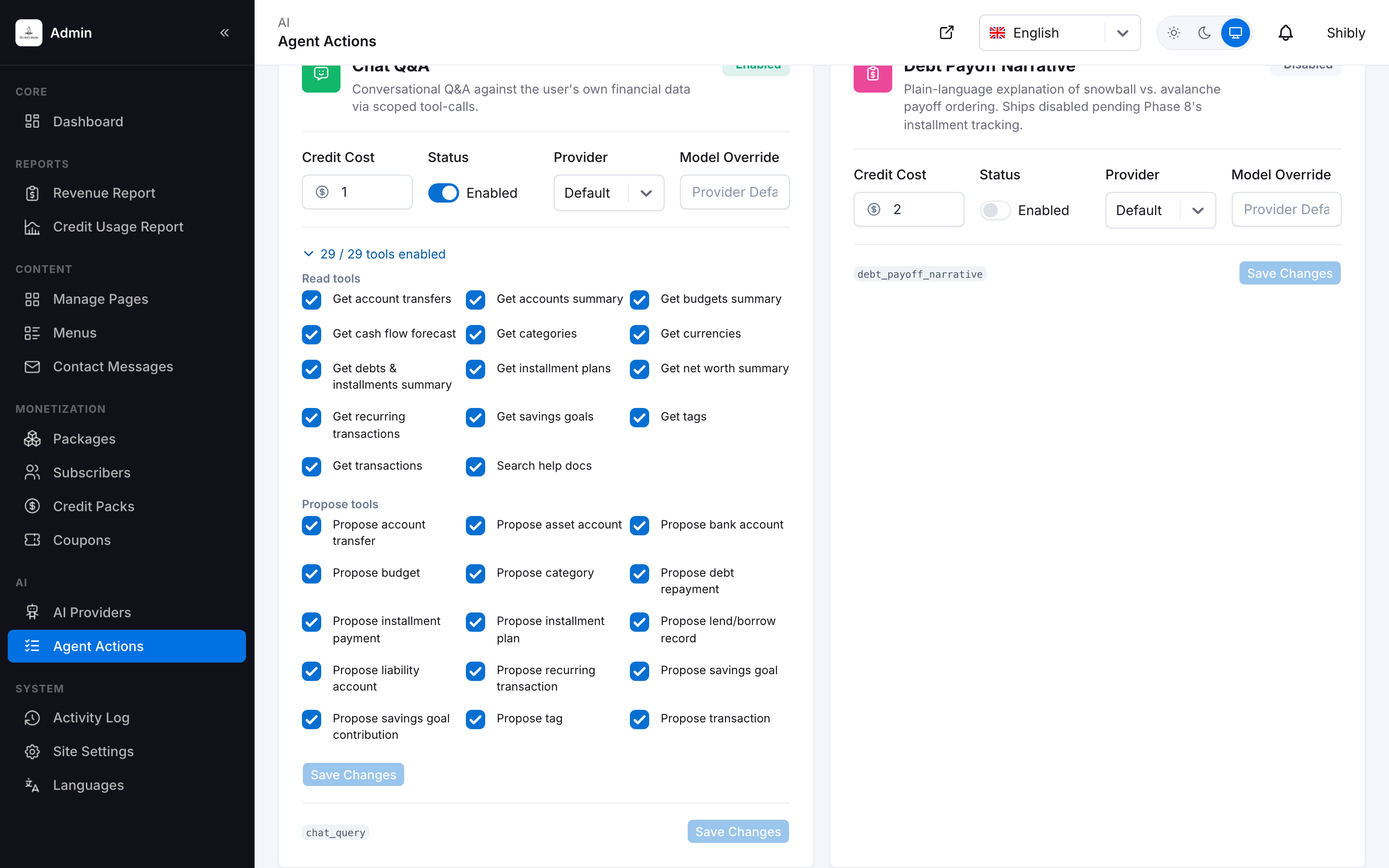
Chat Q&A's tool checklist, expanded
The other six action types each have a fixed, single-purpose tool set baked into their handler code — auto-categorization only ever proposes category assignments, budget recommendation only ever proposes a budget, and so on. There's nothing for a checklist to control there, which is why only the Chat Q&A card shows one.
How the AI features work end-to-end
Credits
Each package tier grants a monthly AI credit allowance (configurable, with optional rollover) in Packages.
Action
A user triggers an AI action from the app — for example, auto-categorizing a batch of transactions, or asking the chat assistant to record an expense.
Dispatch
The request is routed to the action's configured provider (whichever of OpenAI, Anthropic, Google, or your custom endpoint you assigned — or the marked default), the action's credit cost is deducted only on success, and every tool call is logged.
Review
Nothing the AI proposes — a categorization, a budget, a new expense, a new account, anything — is ever written to the database directly. Every proposal becomes a draft the subscriber reviews and explicitly confirms first, applied through the exact same validated code path a manual entry would use. The AI cannot silently create, edit, or delete a financial record.