Guide
The member panel.
One account, both sides of the marketplace: every logged-in user gets the same panel, whether they're buying, selling, or both. This is where listings get posted, messages get answered, and money — wallet, plan, boosts — gets managed.
On this page
Dashboard
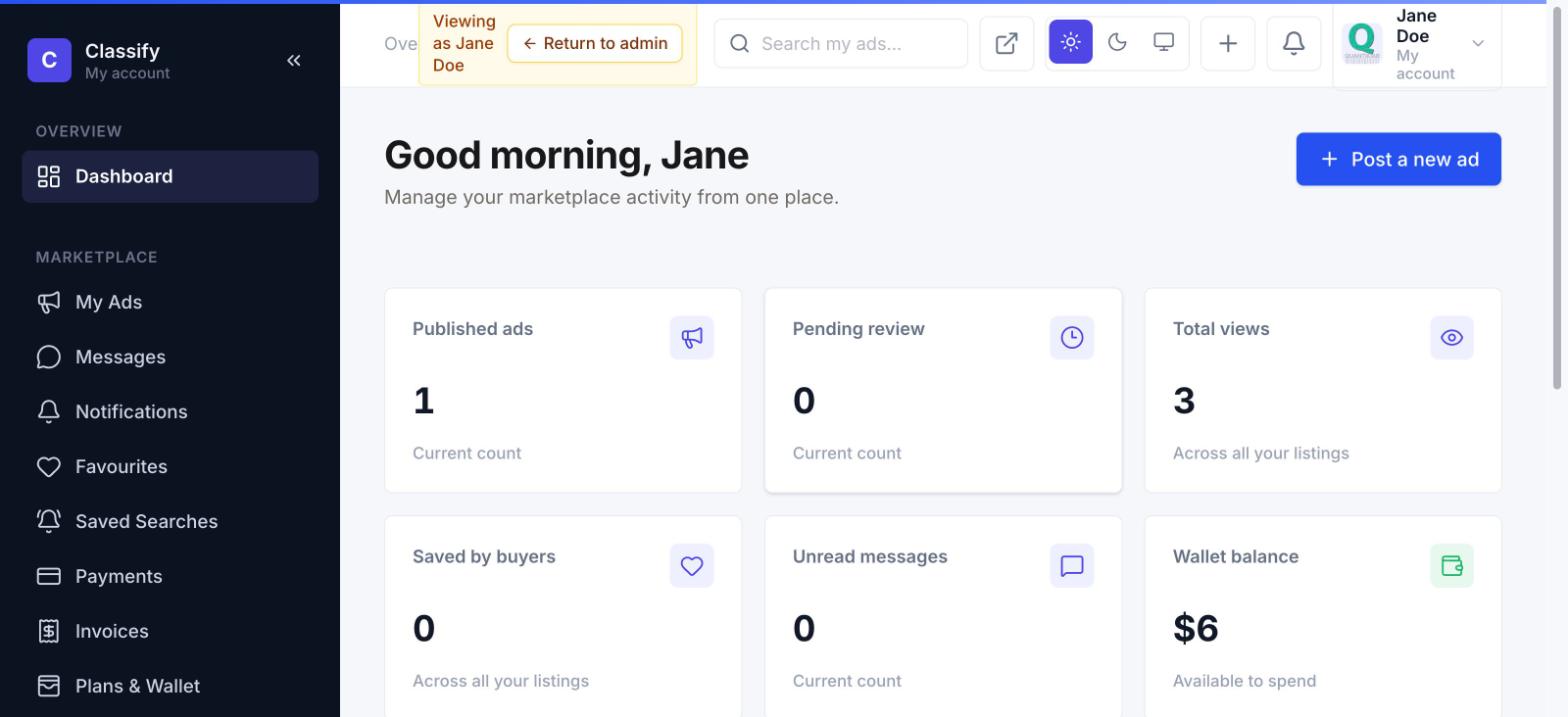
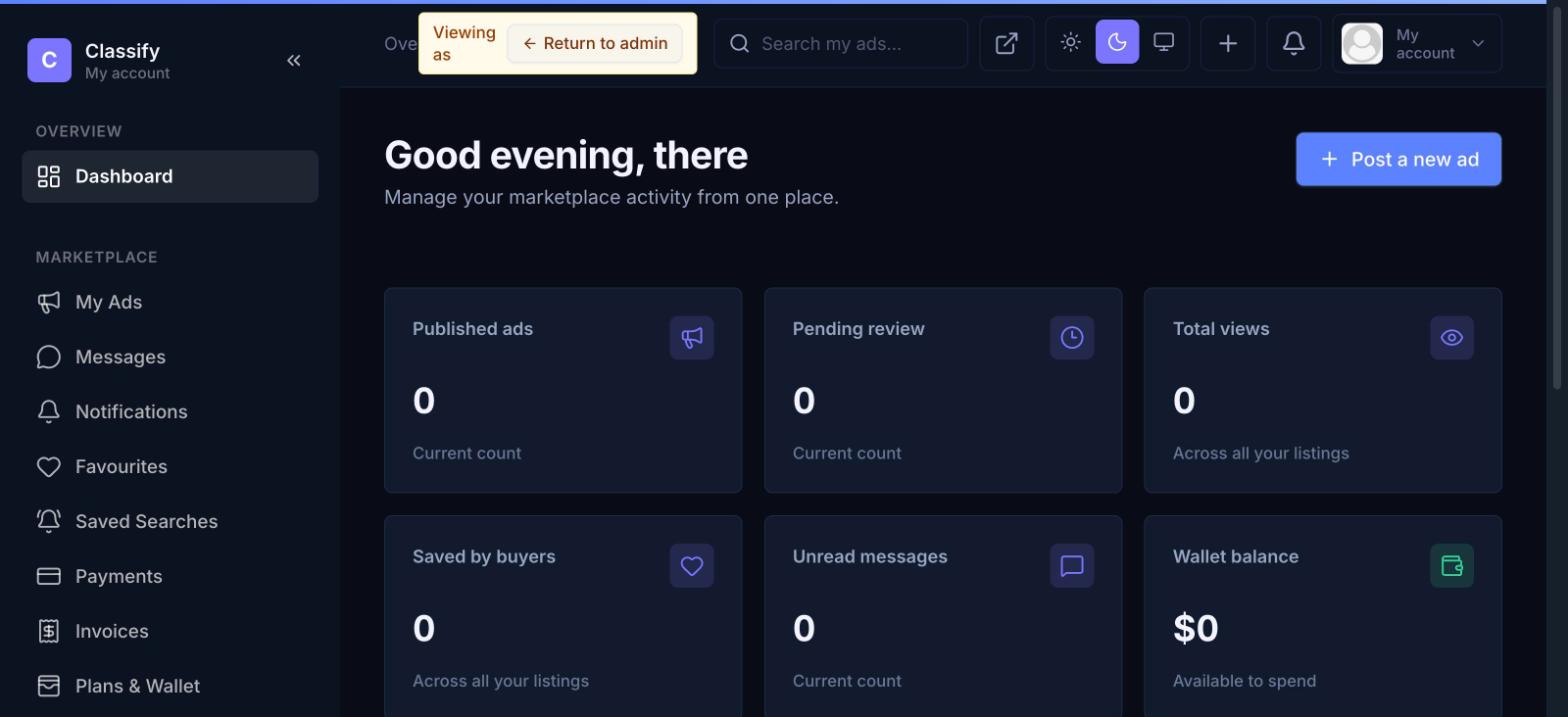
A personal activity summary the moment you log in: published listings, ones still pending review, total views across everything you've posted, how many buyers have saved your listings, unread messages, and your wallet balance — each card links straight to the relevant page.
My Ads & the posting wizard
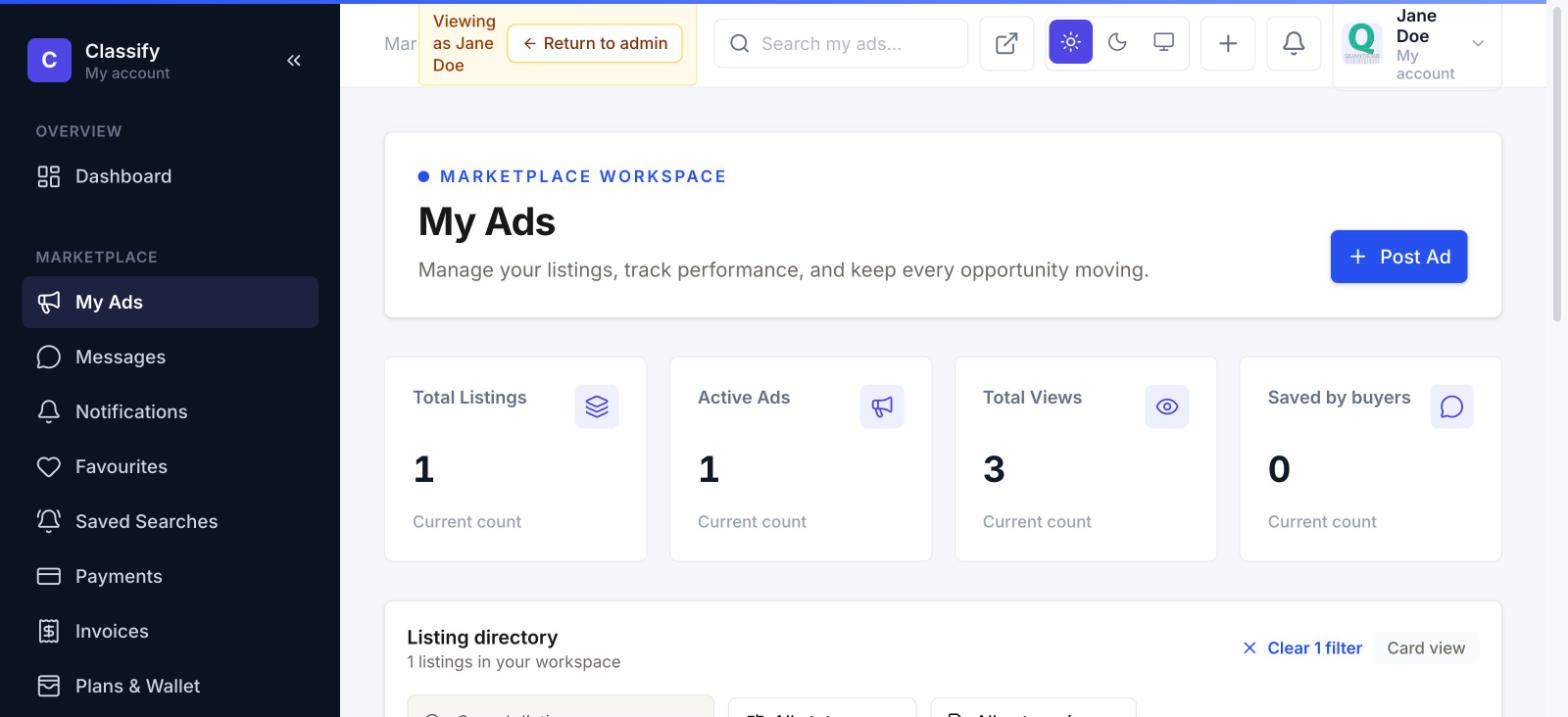
My Ads is the full listing workspace — filter by status, category, price, or date, switch between grid and list views, and see per-listing view/save counts at a glance.
Posting a new listing is a guided 6-step wizard — Category → Details → Images → Location → Payment → Publish — with progress saved automatically between steps, so nothing is lost if a seller leaves mid-way:
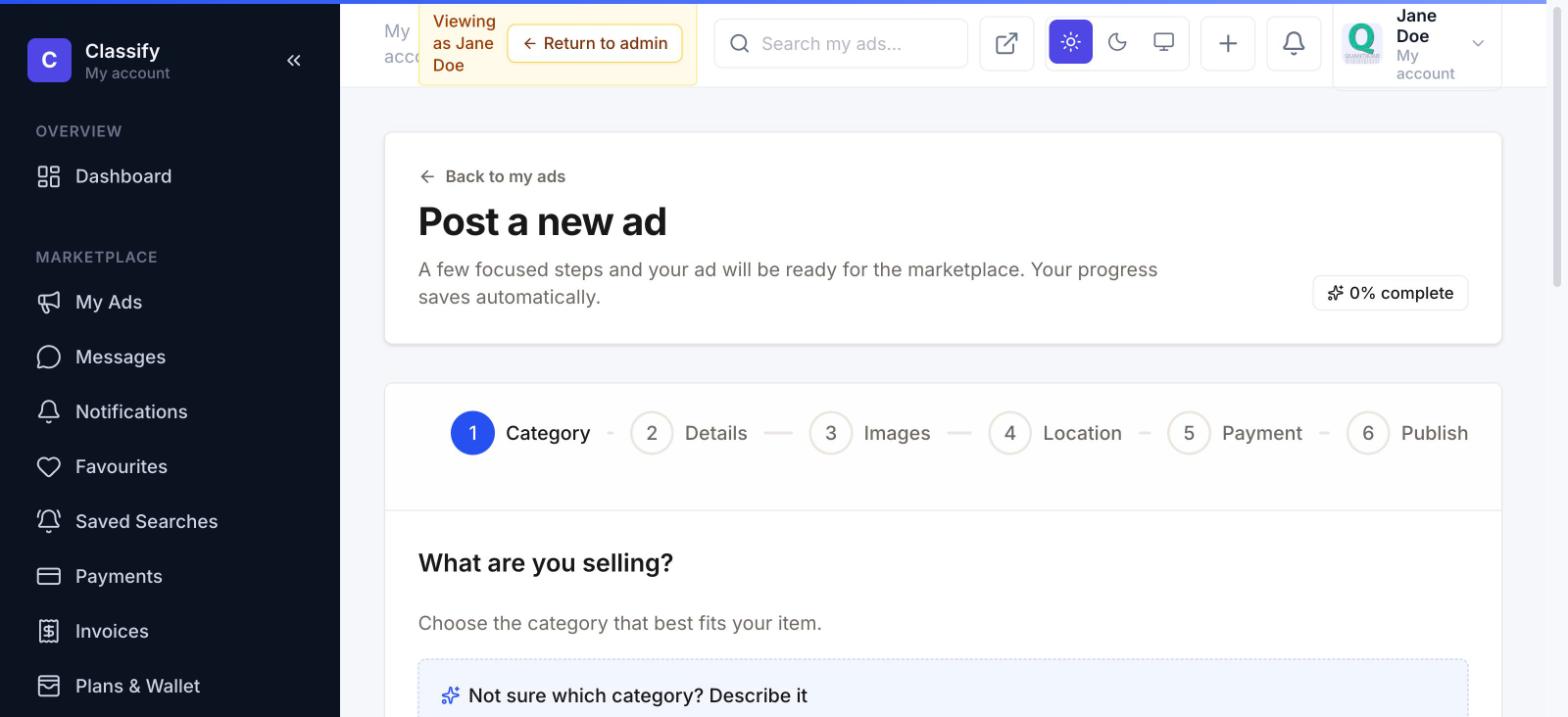
The Payment step is entitlement-aware: if the seller's active plan still has a free listing slot available, that step shows "included in your plan, no payment needed" instead of a charge — the wizard always reflects what a seller actually owes, not a flat price regardless of their plan.
Messages
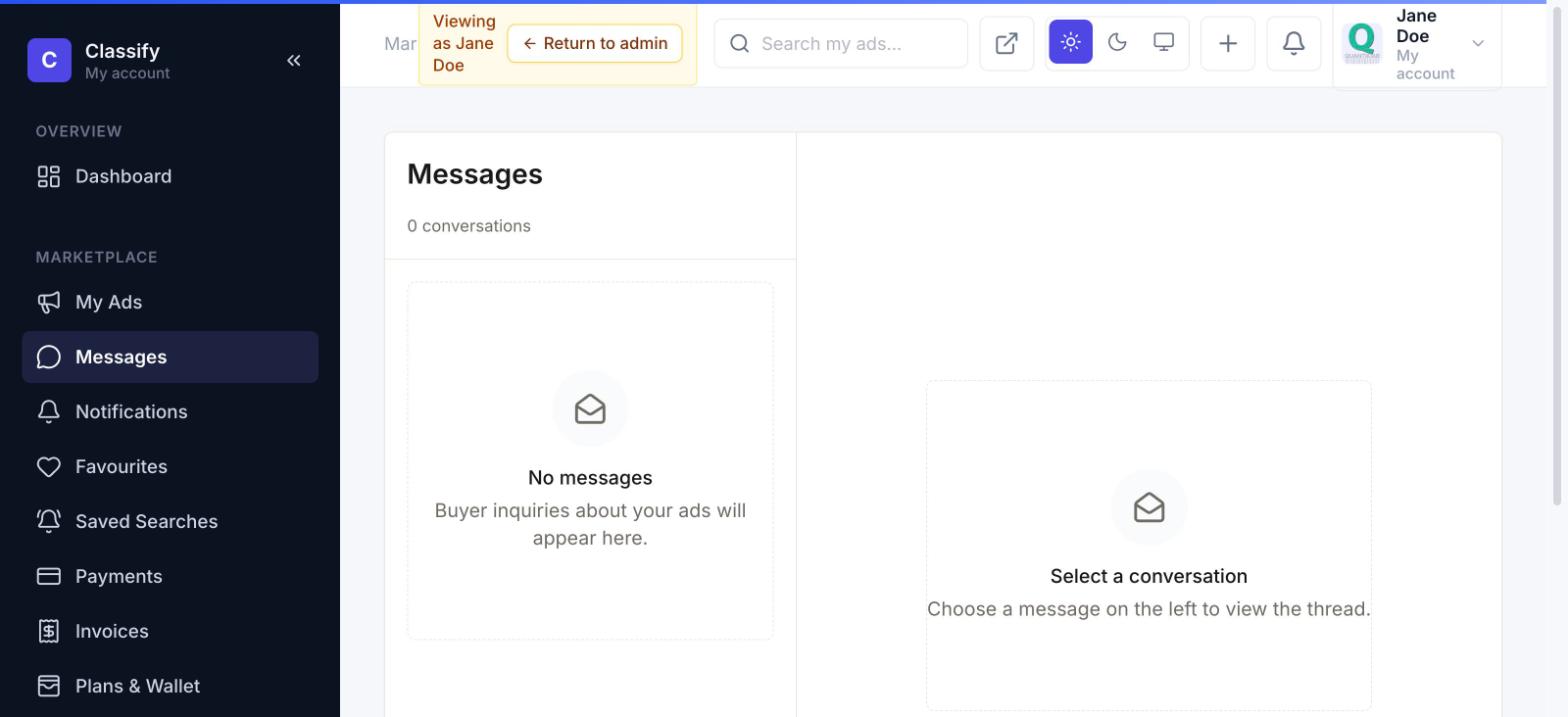
A two-pane inbox for buyer↔seller conversations tied to a specific listing — the same message thread a buyer starts from an ad's "Send message" button lands here for the seller to reply to.
Notifications
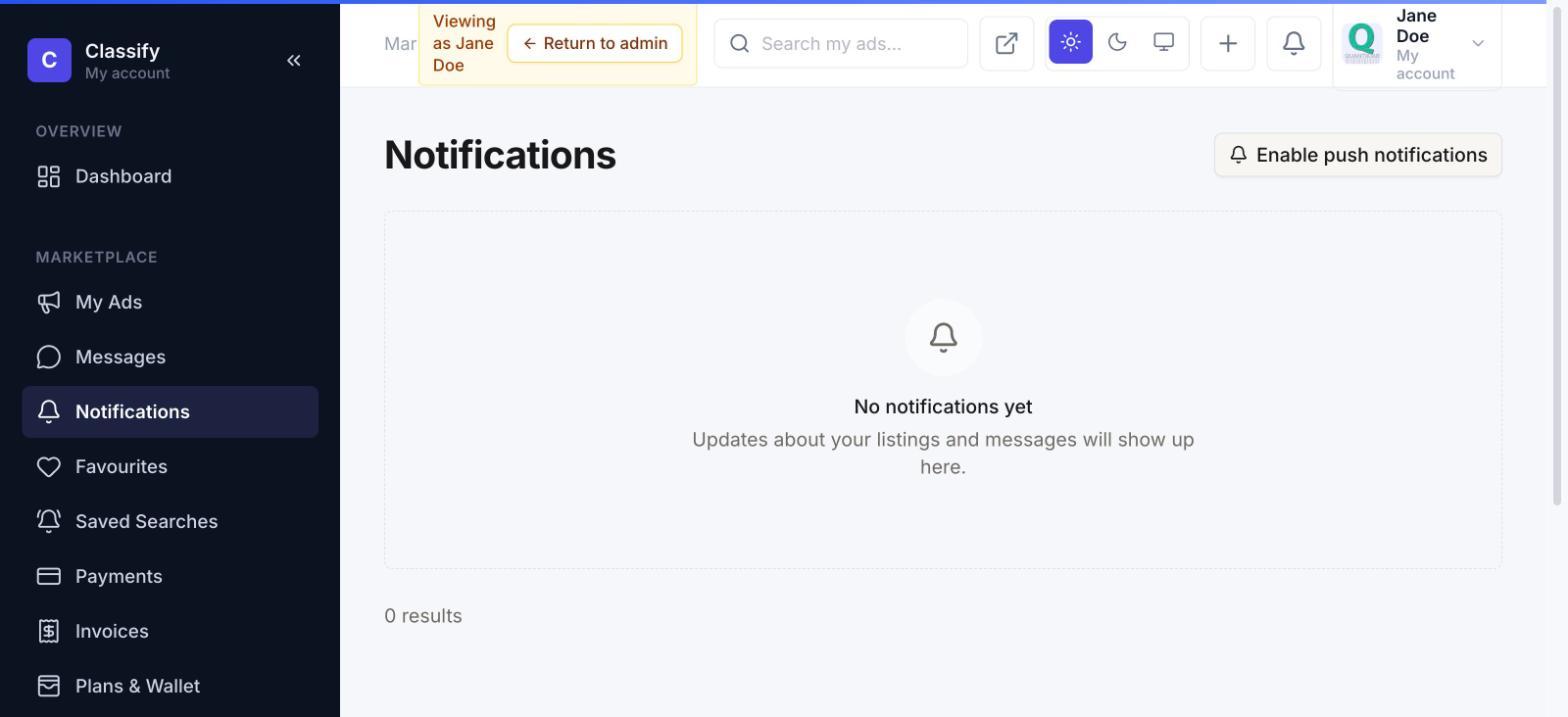
An in-app notification center covering five real events: a listing approved or blocked, a new buyer message, a reply to your message, someone favouriting your listing, and a saved-search match. Each links straight to what it's about, and can also be delivered as a browser push notification if enabled.
Favourites & saved searches
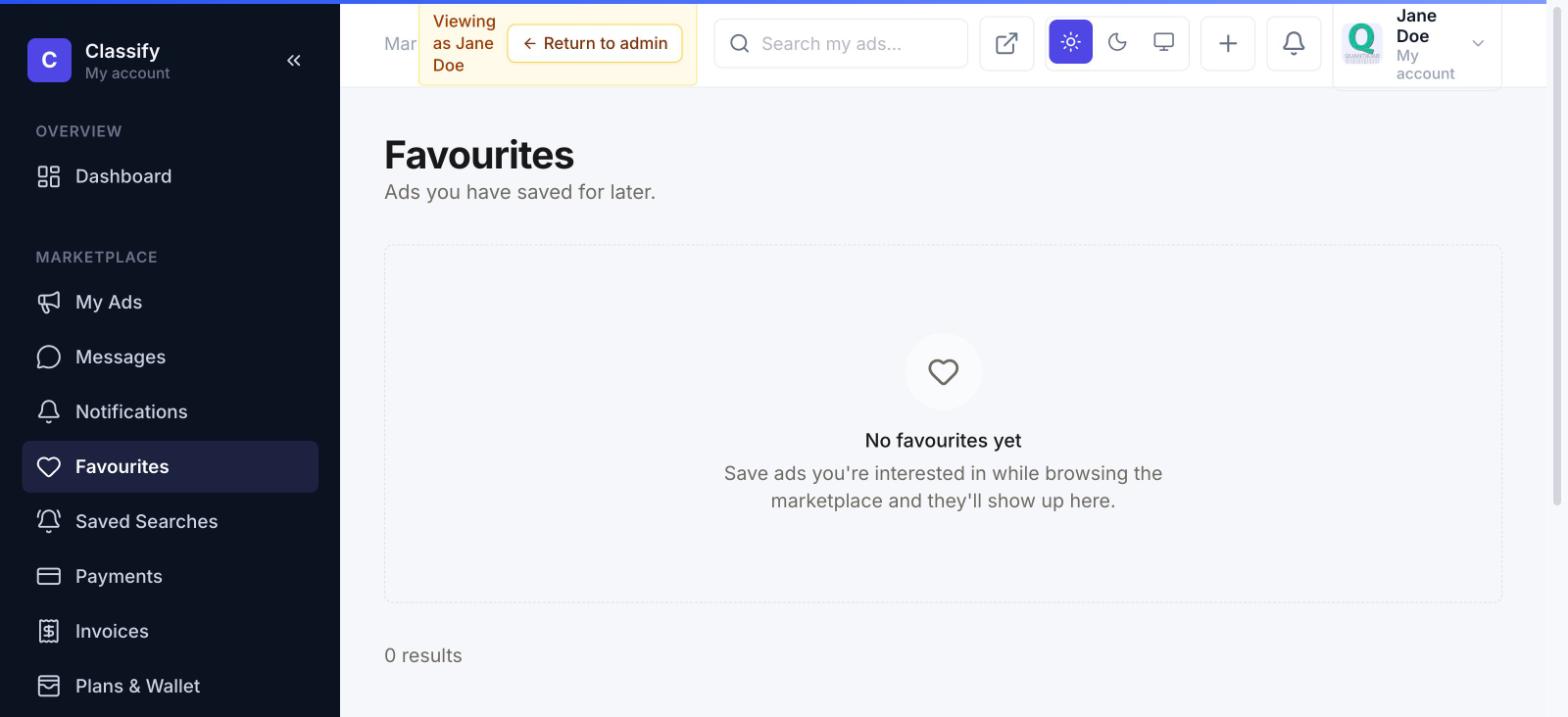
Favourites are listings a buyer has bookmarked while browsing — a heart icon on any ad card or detail page. Saved Searches go further: save a whole filter combination (keyword, category, price range, location) from the listings page, name it, and choose how often to be alerted — Classify emails and notifies you when a new listing matches.
Plans & wallet
Subscription management, wallet balance, and ad boosts, all in one page. The wallet is a prepaid balance — top it up once, then pay for boosts, listings, and plan renewals without re-entering a card every time. Plan usage shows exactly what your current tier includes: free listing slots remaining and which boost types are free under your plan.
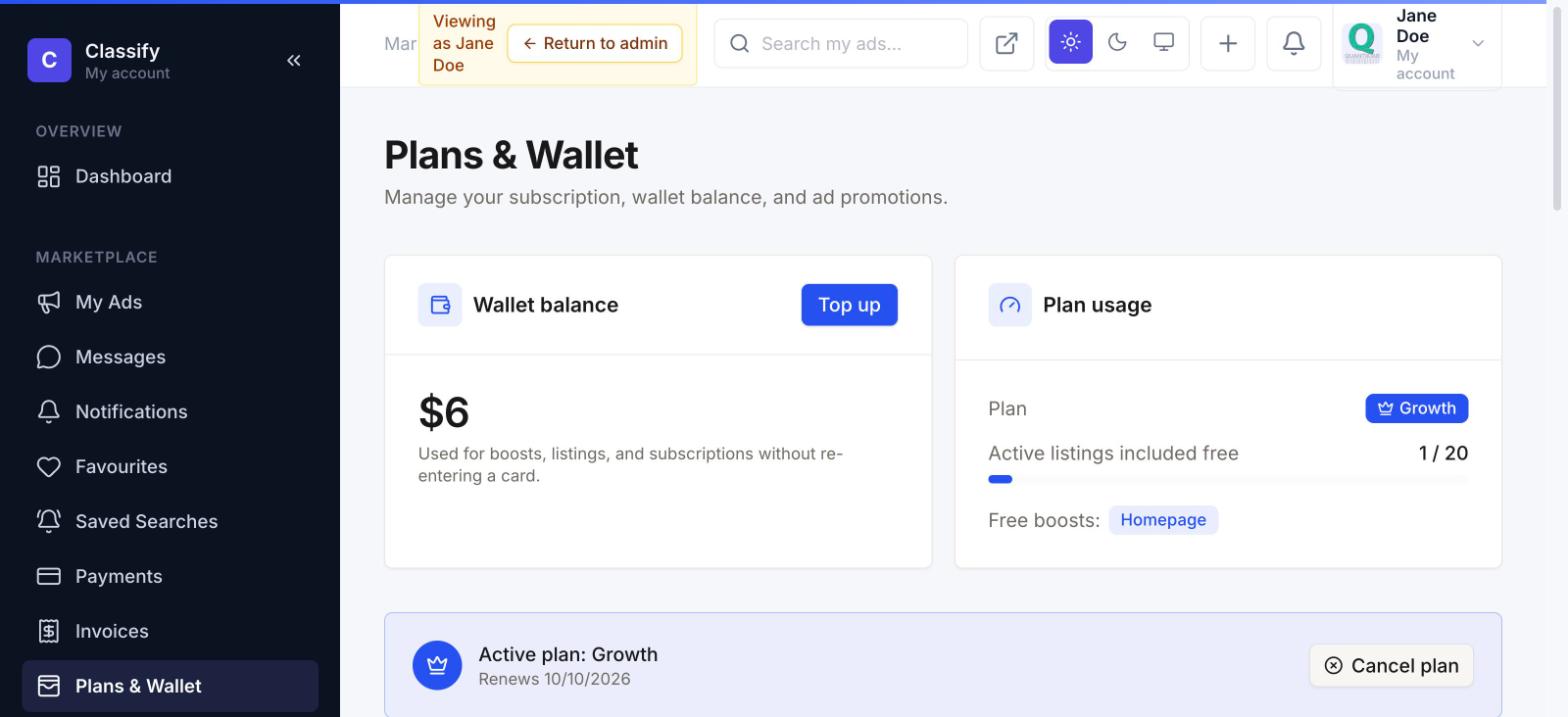
Cancelling a plan doesn't cut access off immediately — it keeps working through the period you already paid for, then simply doesn't renew.
Verification
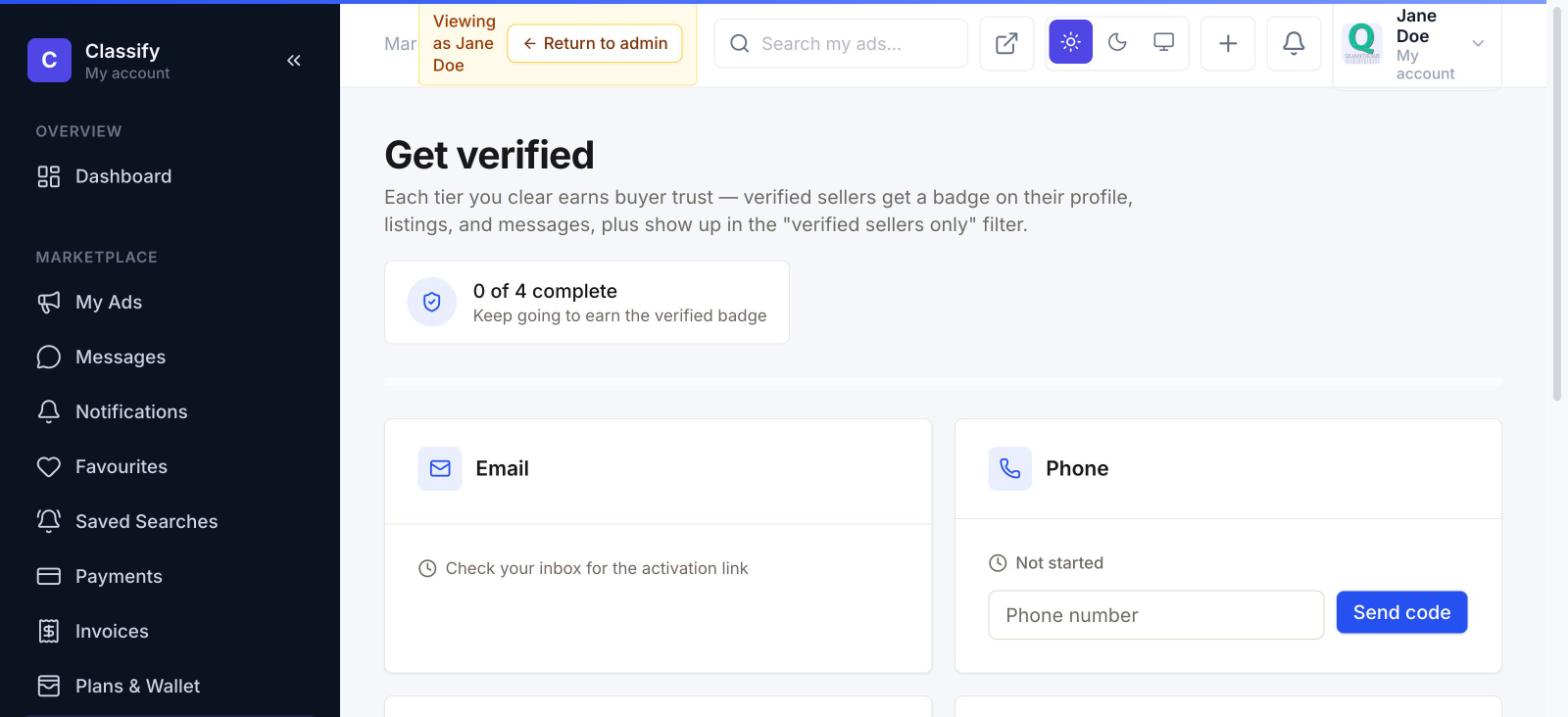
Four independent trust tiers a seller can clear, each contributing to the "Verified Seller" badge shown to buyers: Email (automatic, an activation link), Phone (a one-time code sent by SMS), Government ID (uploaded, reviewed by an admin), and Business (company name and registration number, also admin-reviewed).
Payments & invoices
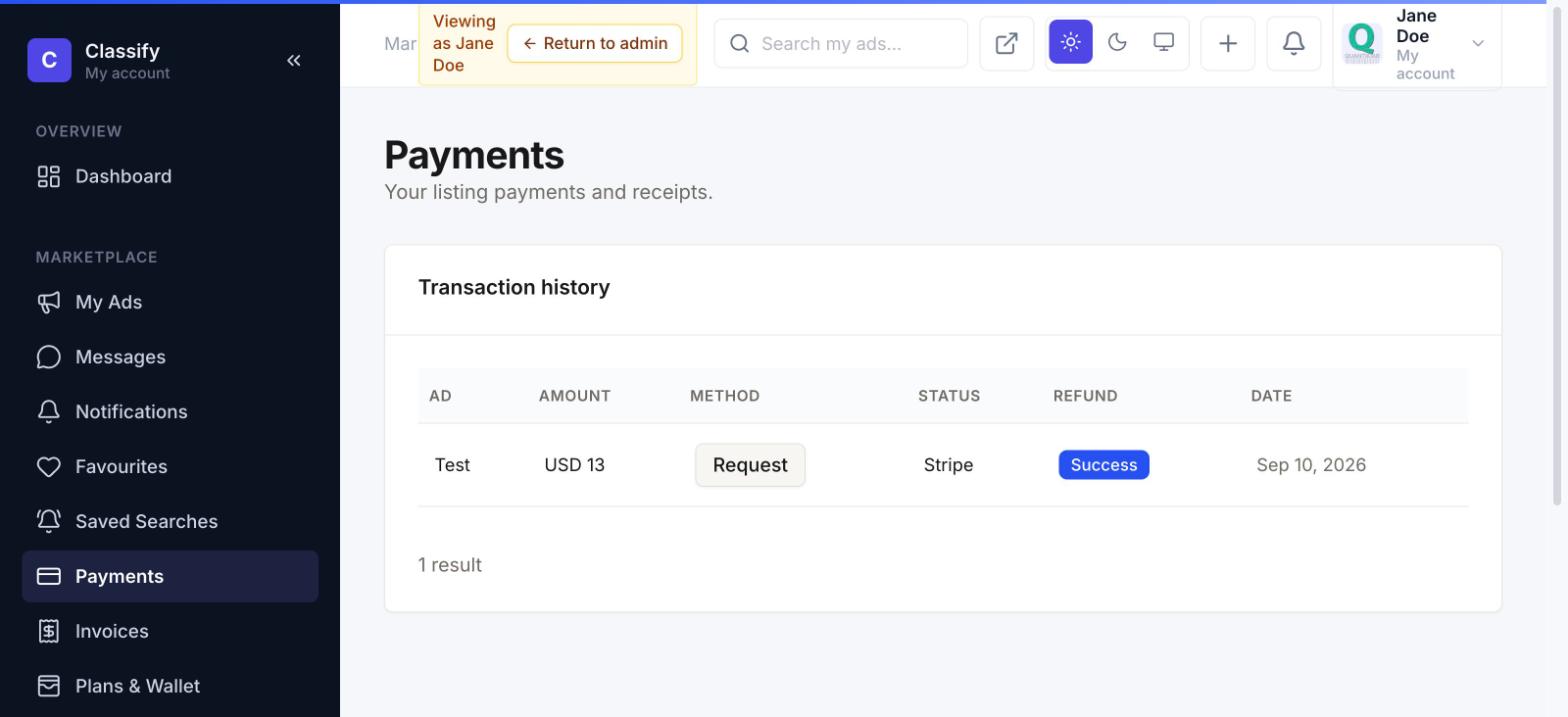
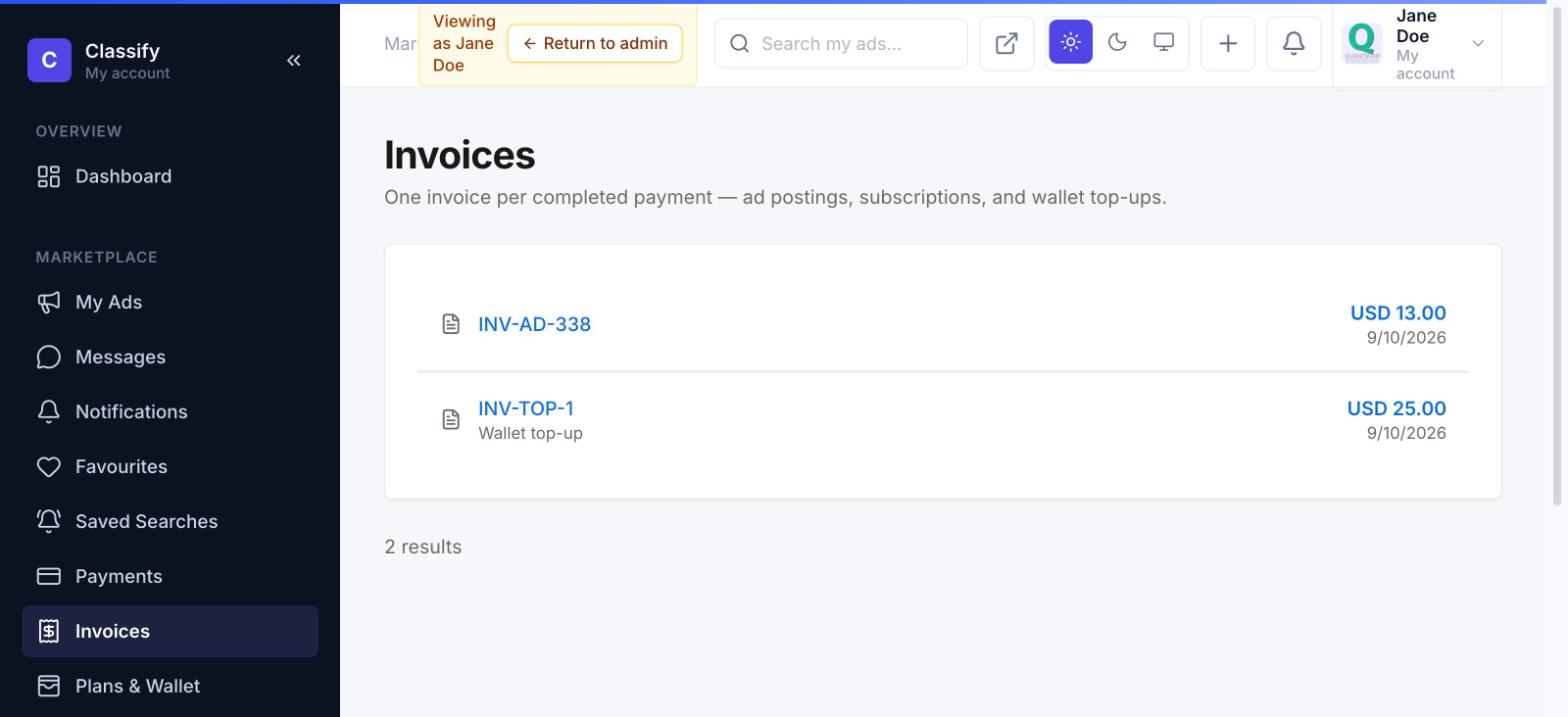
Payments is a transaction history of listing charges — amount, method, status, and a refund-request action per row. Invoices is the receipt side: one invoice per completed payment, covering listing fees, subscriptions, and wallet top-ups alike.
Profile
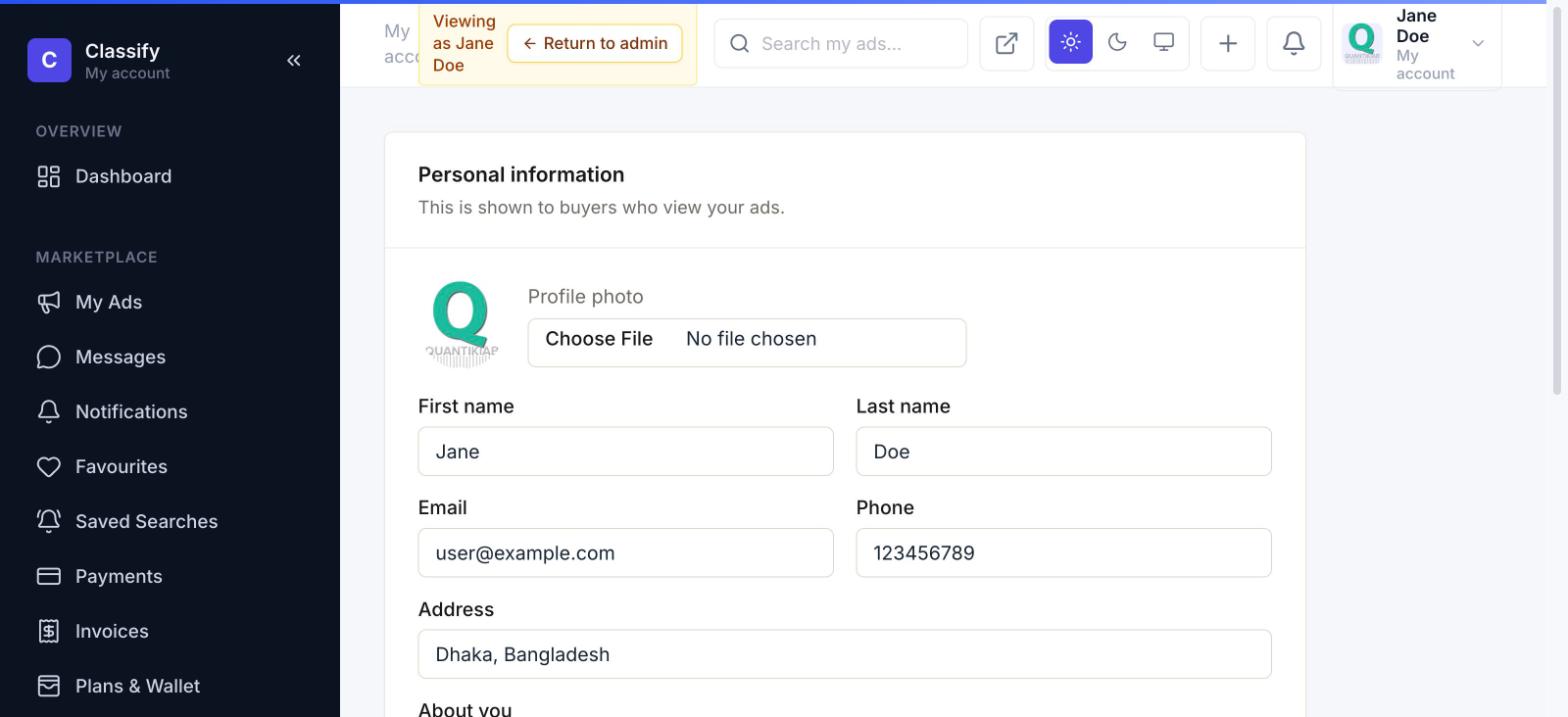
Personal details shown to buyers on a seller's listings and public shop page — name, photo, phone, address, and an "about you" bio — plus the shop page banner for sellers who want a branded storefront look.
Business accounts & bulk upload
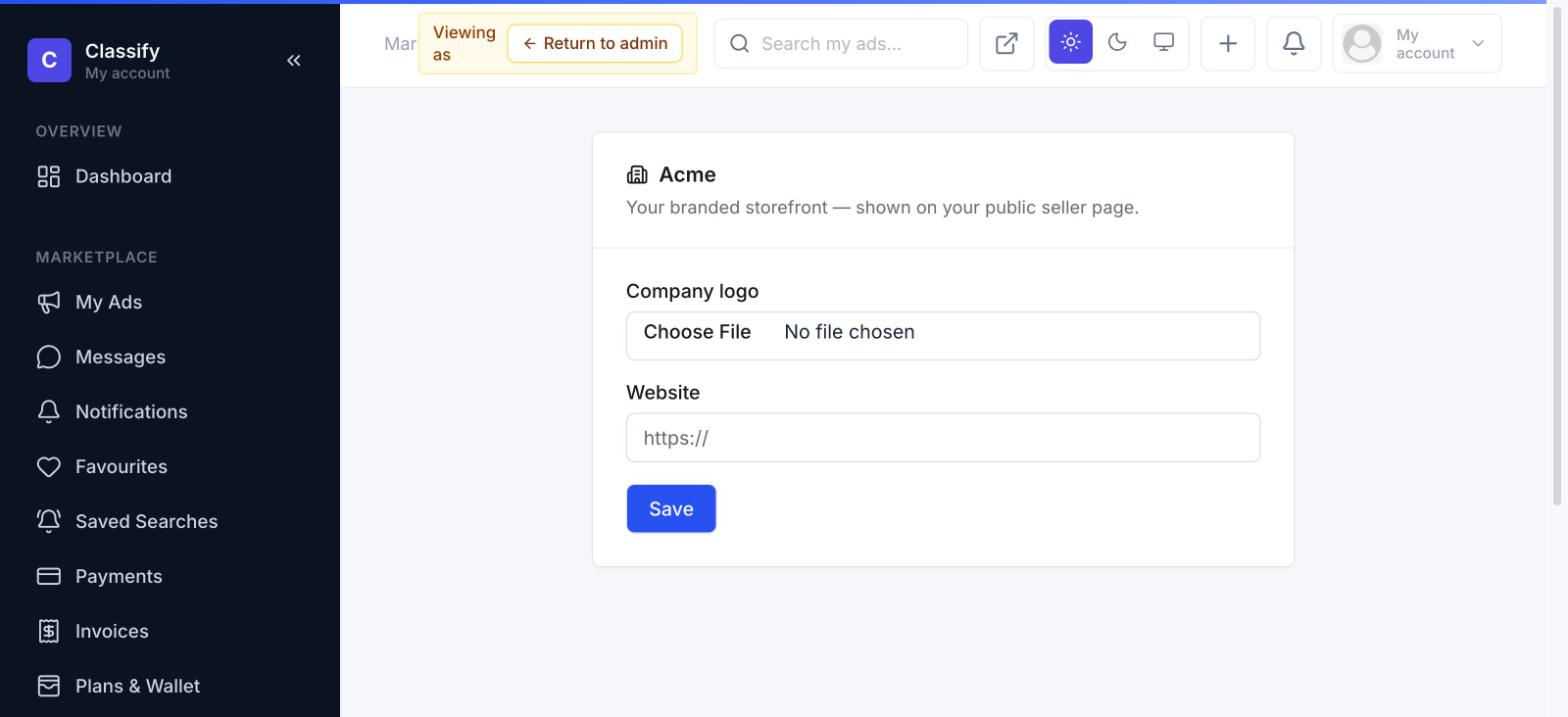
A business account (granted when an admin approves the Business verification tier) unlocks two extra pages: Business Profile, for a branded storefront logo and website link —
— and Bulk Upload, for posting many listings at once from a CSV instead of the wizard one at a time. Every row goes through the exact same validation and moderation rules as a normal posting.
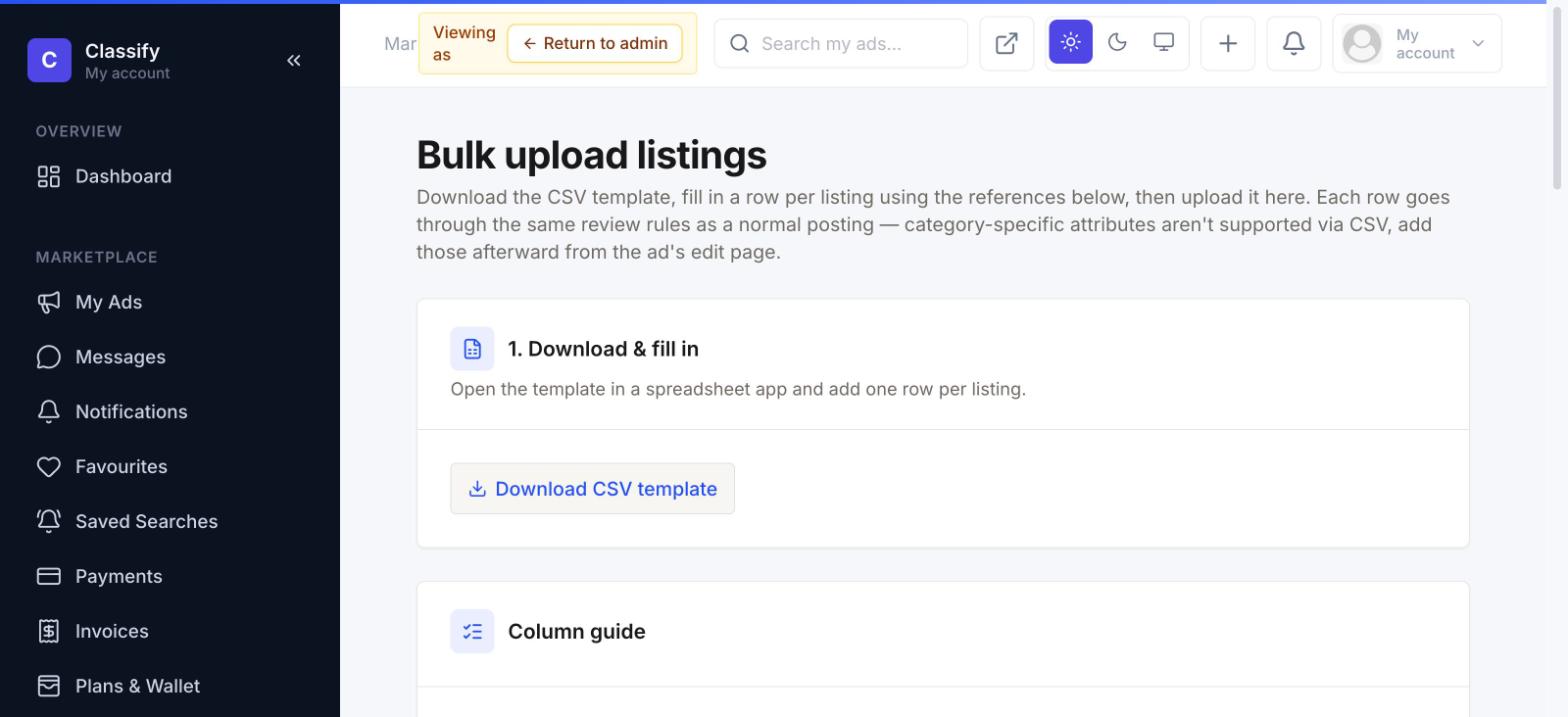
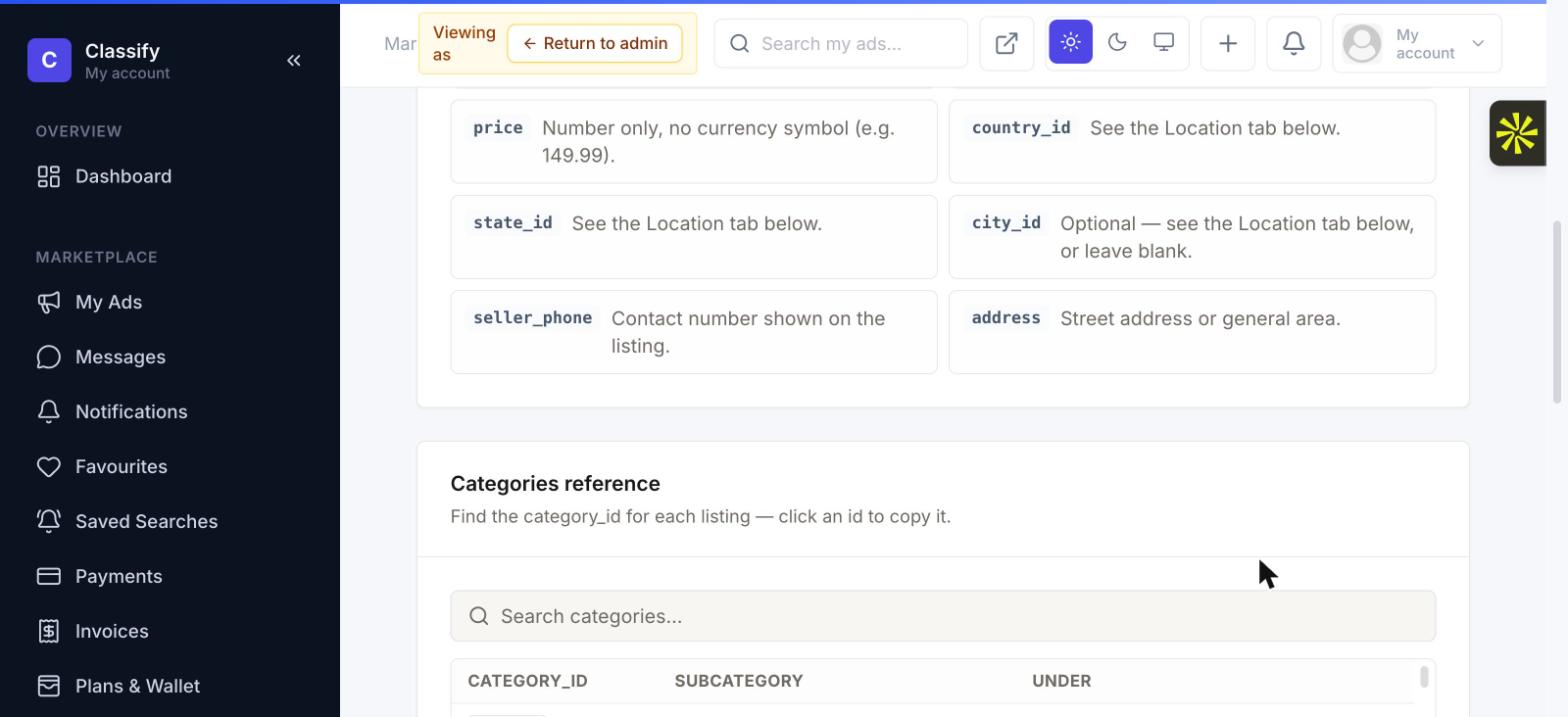
Two of the template's columns are numeric IDs (category and location) that aren't obvious from a spreadsheet alone, so the page includes a live, searchable reference tool right below the upload form — click any ID to copy it straight into your CSV: