Guide
The public frontend.
The storefront every visitor sees before they ever create an account — browsing, search, listing detail pages, pricing, and sign-up. Fast, SEO-friendly (server-rendered), and themeable from the admin's Global Styles.
On this page
Homepage
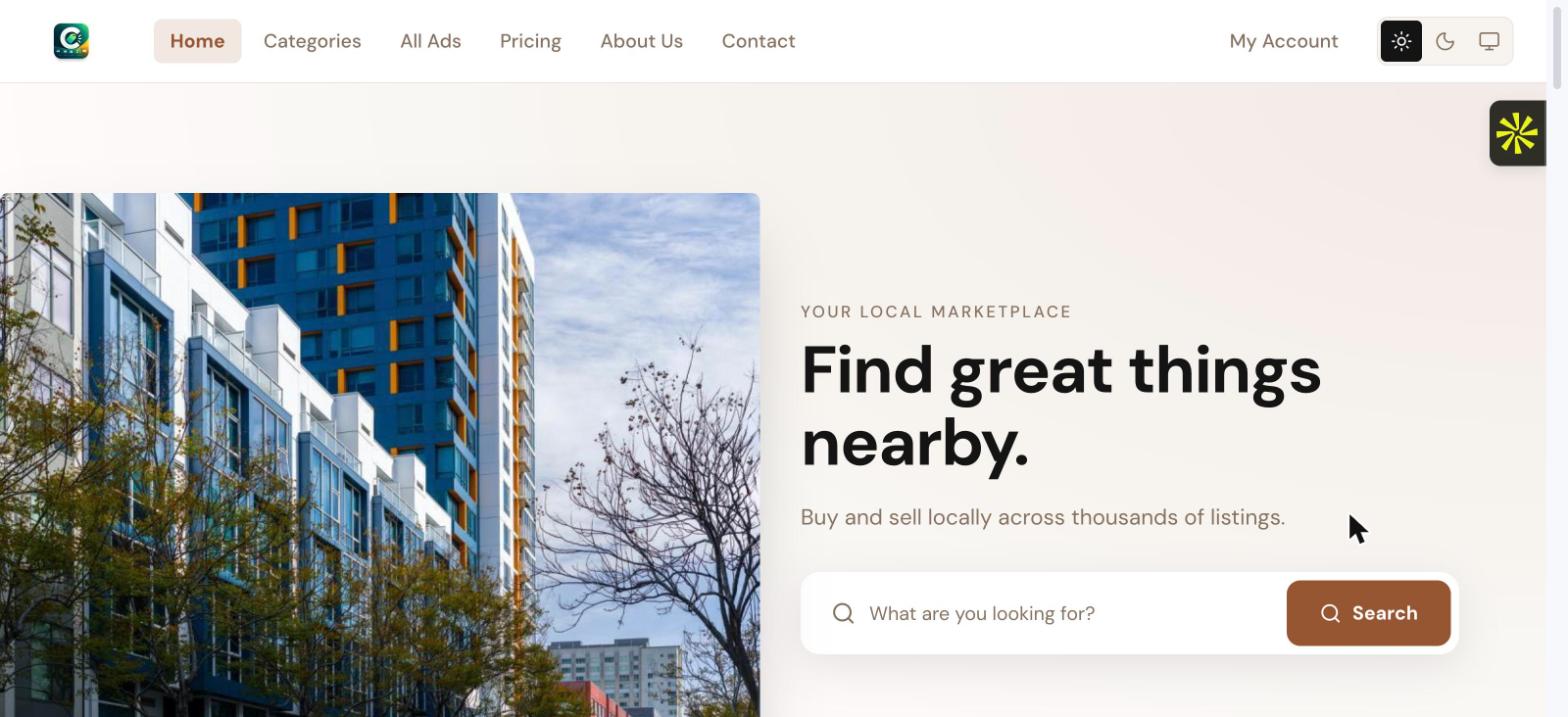
Built entirely from the admin's visual page builder — a hero section with search, then a stack of configurable blocks (category carousel, featured listings, testimonials, newsletter signup, and more). Every block, and its order, is editable from Admin → Pages without touching code.
Categories
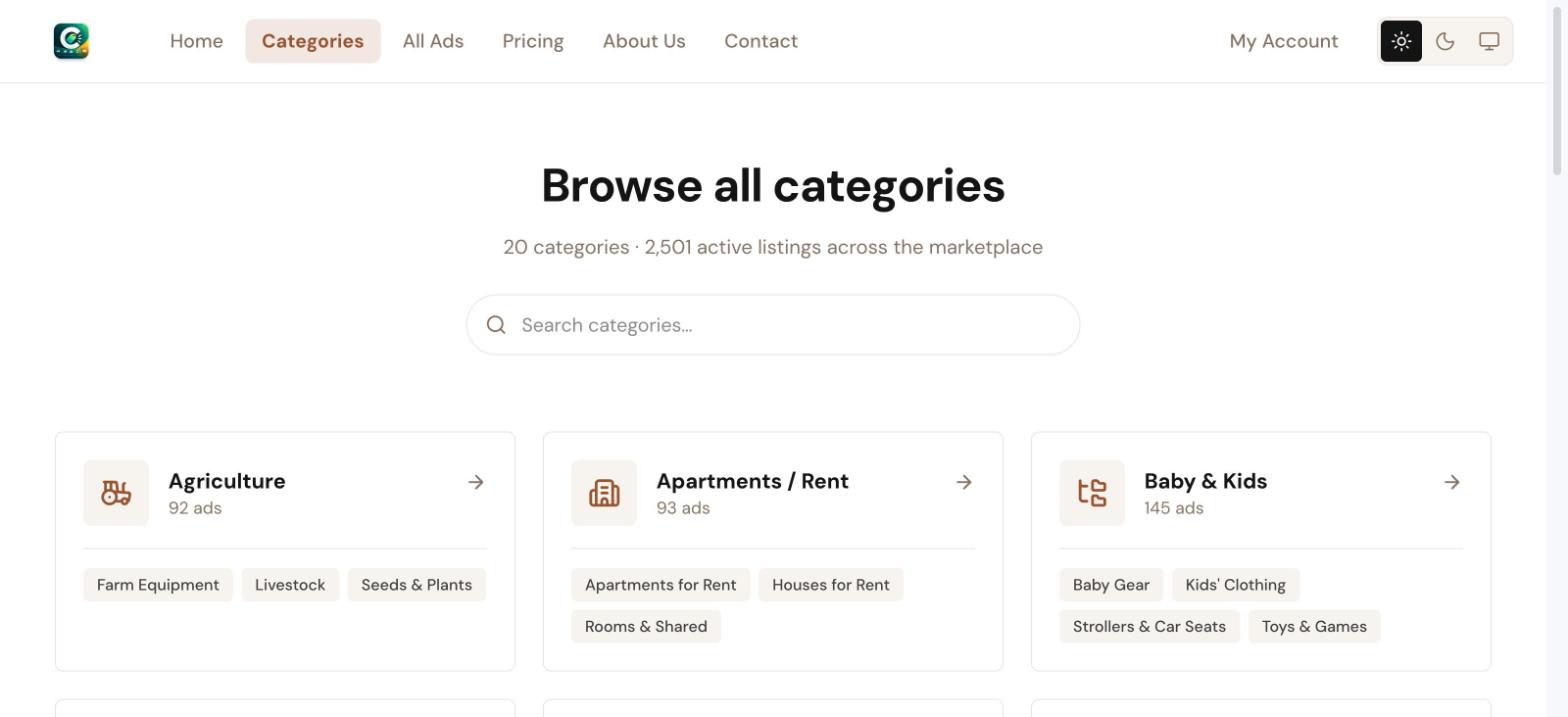
A searchable directory of every top-level category and its subcategories, each showing a live listing count — the entry point for browsing by topic rather than searching by keyword.
All Ads — browse & filter
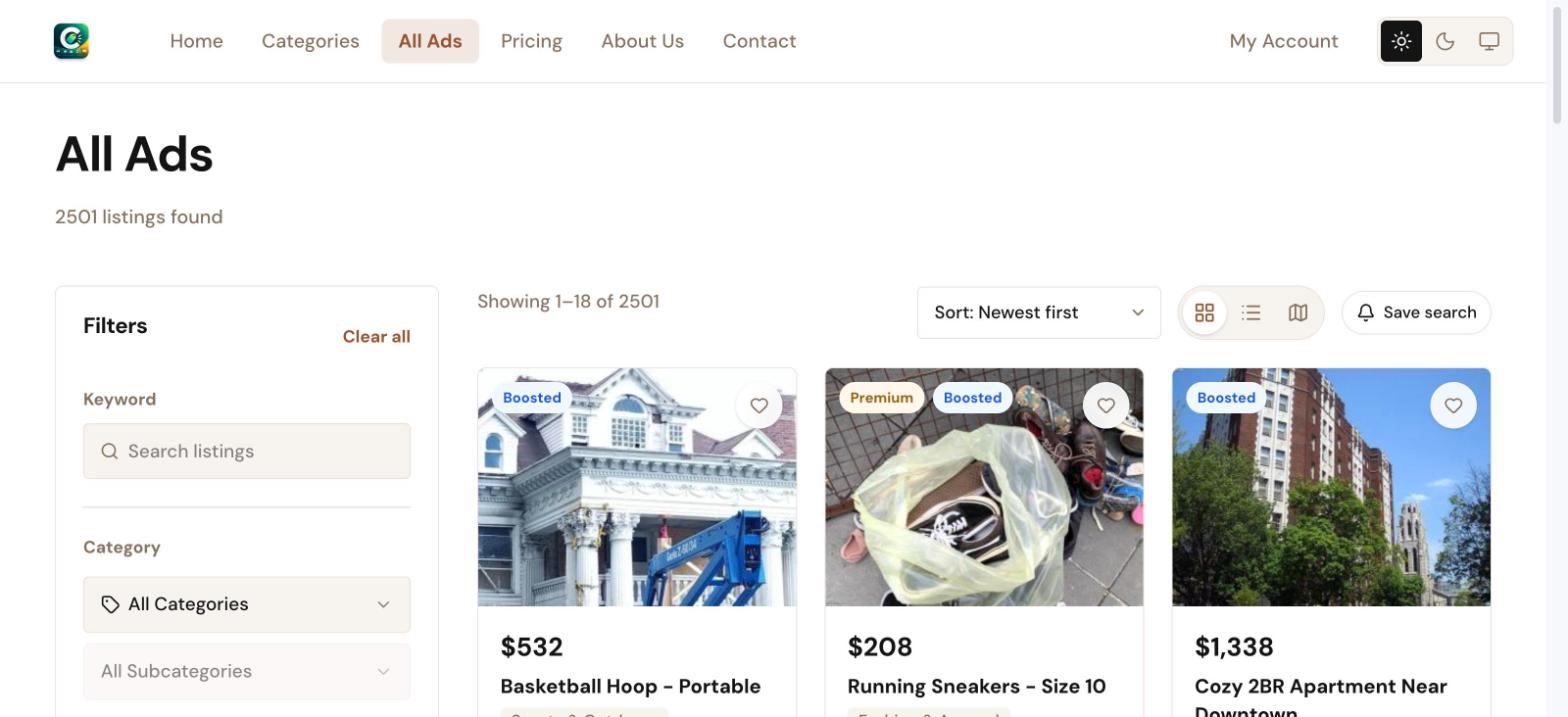
The main listings page: keyword search, category/subcategory drill-down, brand, price range, location (including "near me" and choose-on-map), condition, and any category-specific attribute an admin has marked filterable. Grid, list, and map view are all available, and any filter combination can be saved as an alert from here.
Ad detail page
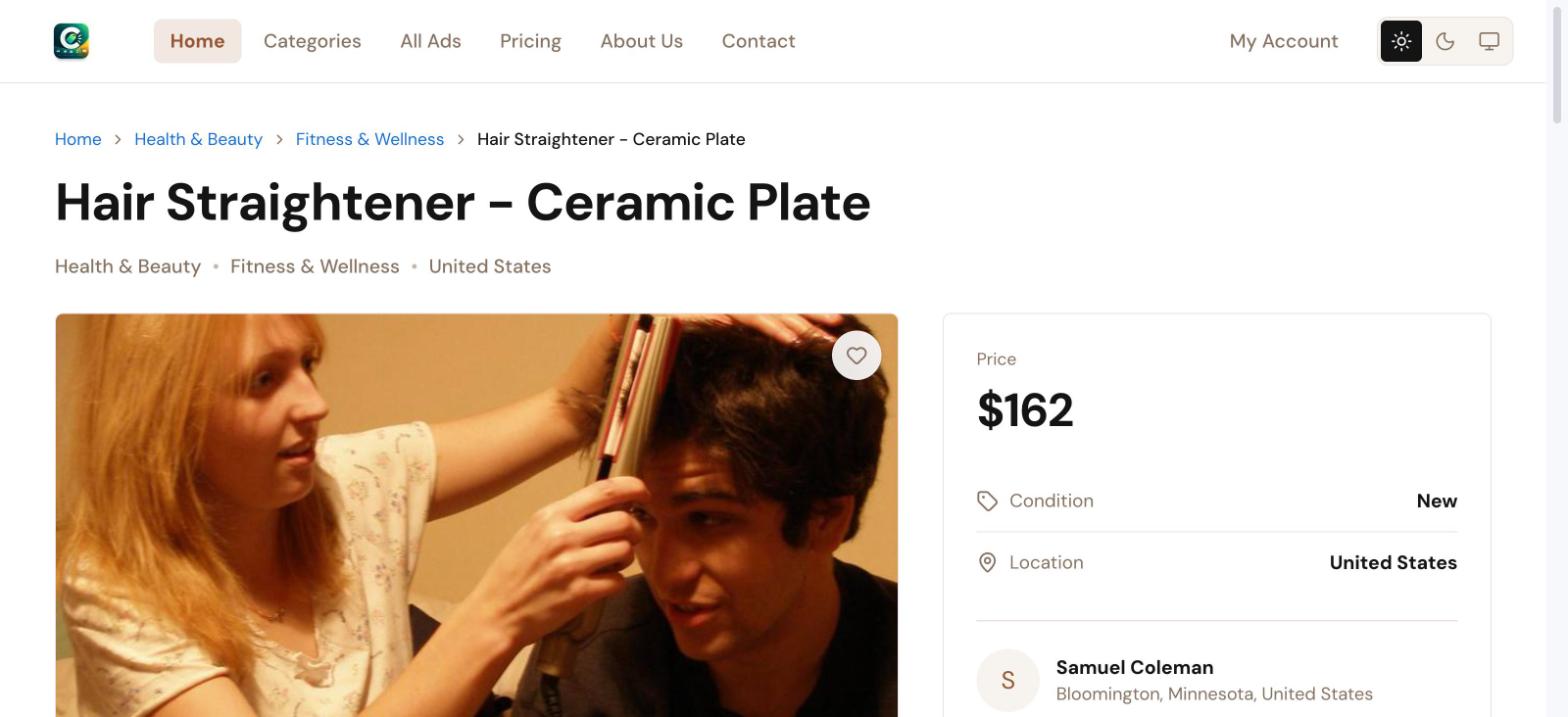
Full listing view — photo gallery, price, condition, location, and a seller card with a "Show phone number" reveal and a "Send message" action that opens the buyer↔seller messaging thread. The description supports rich formatting (the same editor sellers use to write it), rendered safely through a sanitized HTML pipeline.
Pricing
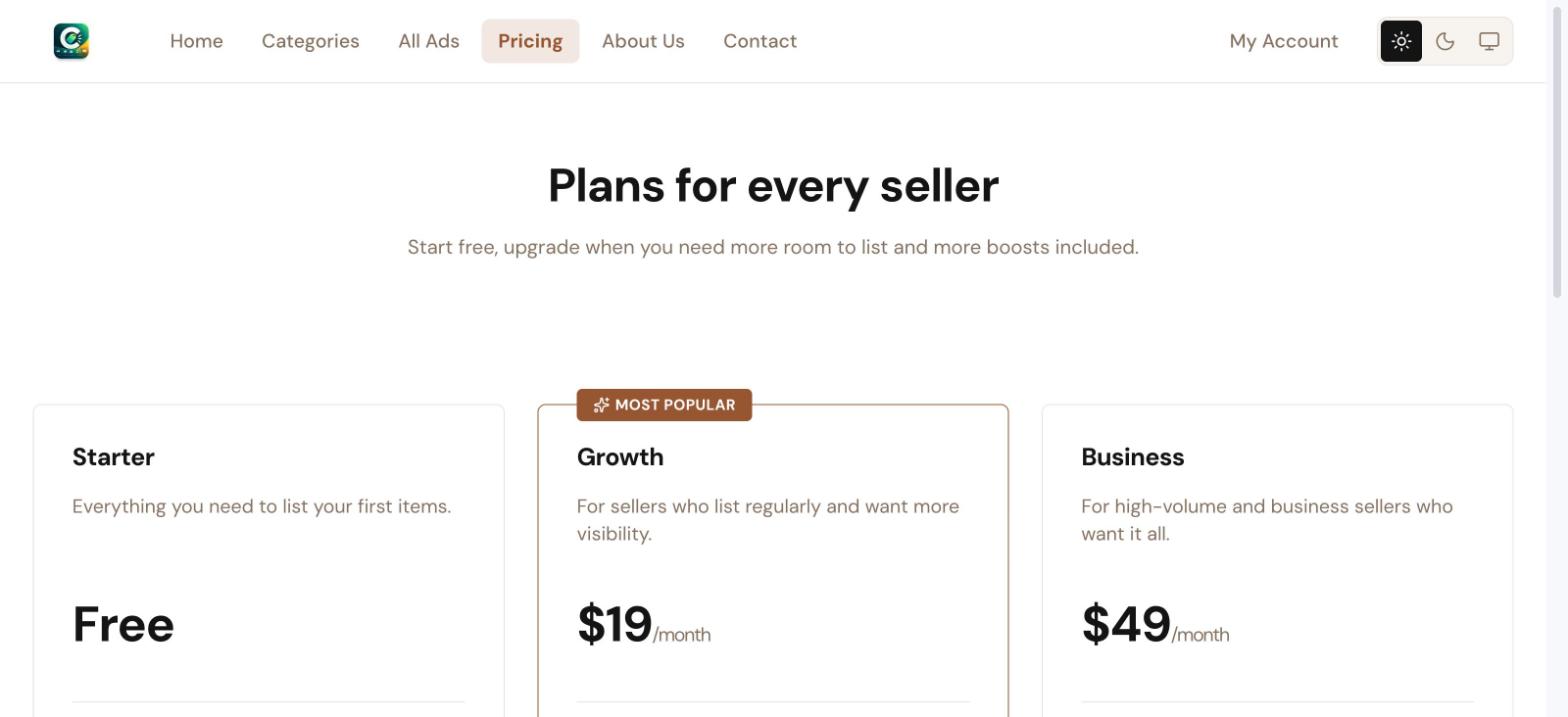
The public plan comparison — every seller plan, its price, and a feature-by-feature checklist (listing quota, photo limit, which boost types are free, verified badge, bulk import). A logged-in user's "Choose plan" click takes them straight into checkout for that plan; a guest is sent to sign up first, with the chosen plan carried through automatically.
Sign up & log in
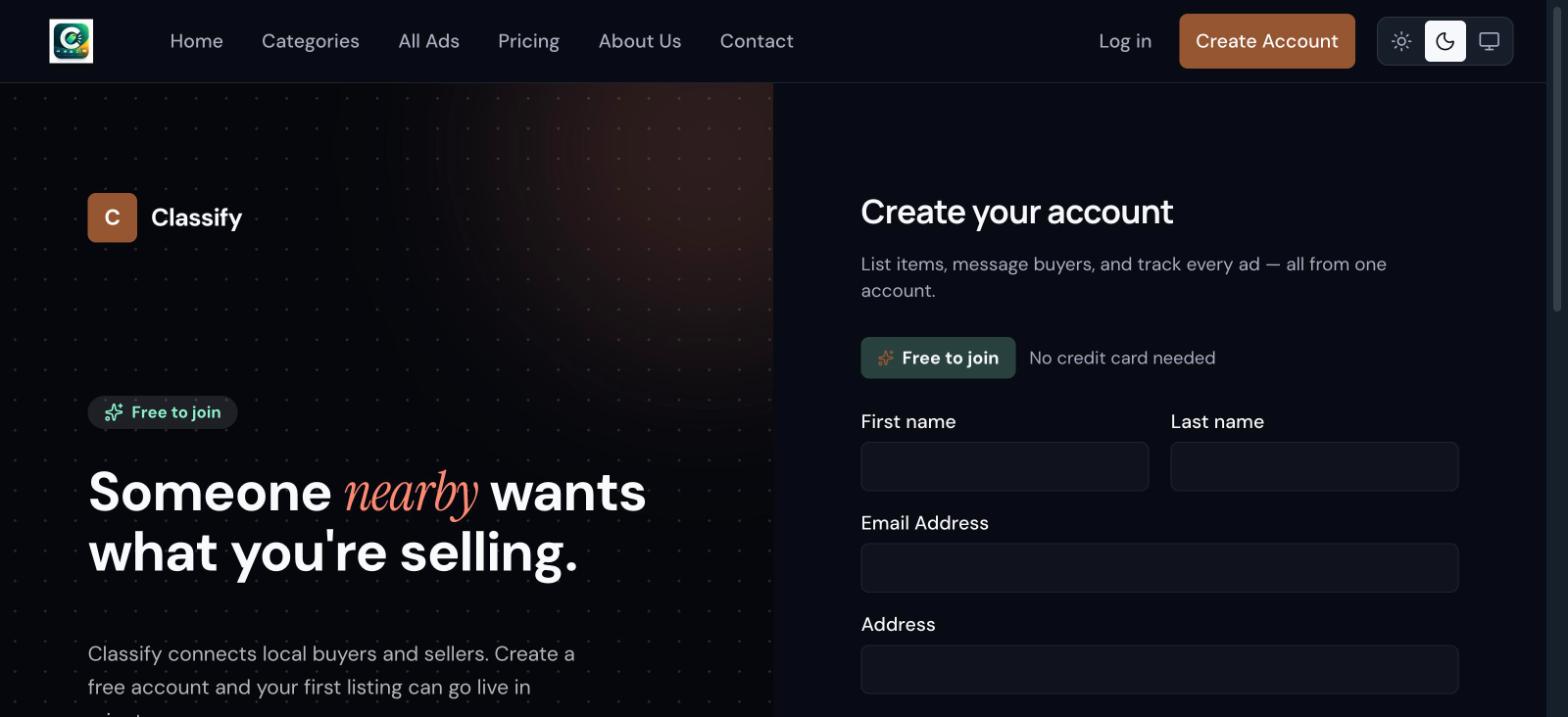
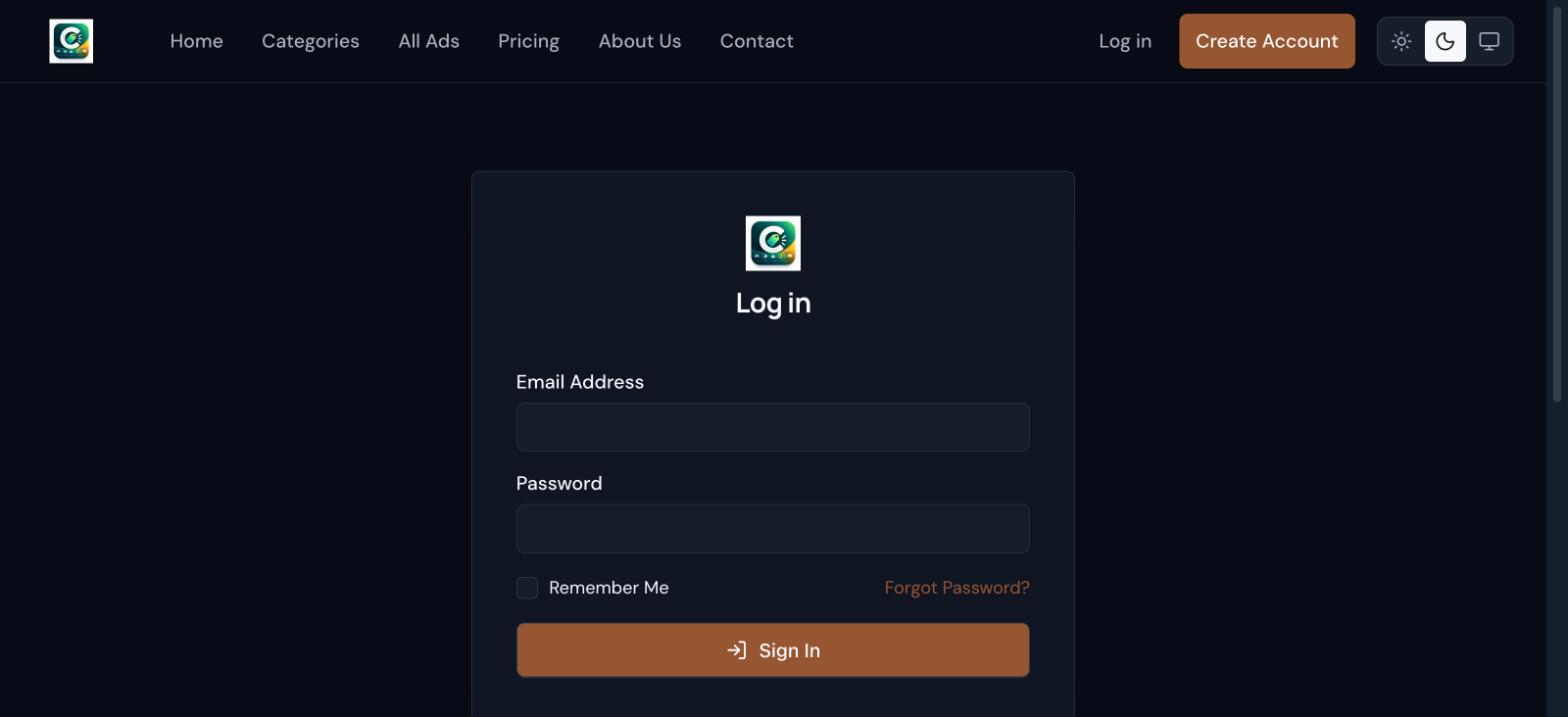
A single account type serves both buyers and sellers — anyone can browse and message freely once registered, and posting a listing is available from the same account with no separate "become a seller" step.
Theming & dark mode
Every public page respects the visitor's light/dark preference, with a manual override available from the same three-way toggle used across the whole site (light / dark / follow system).
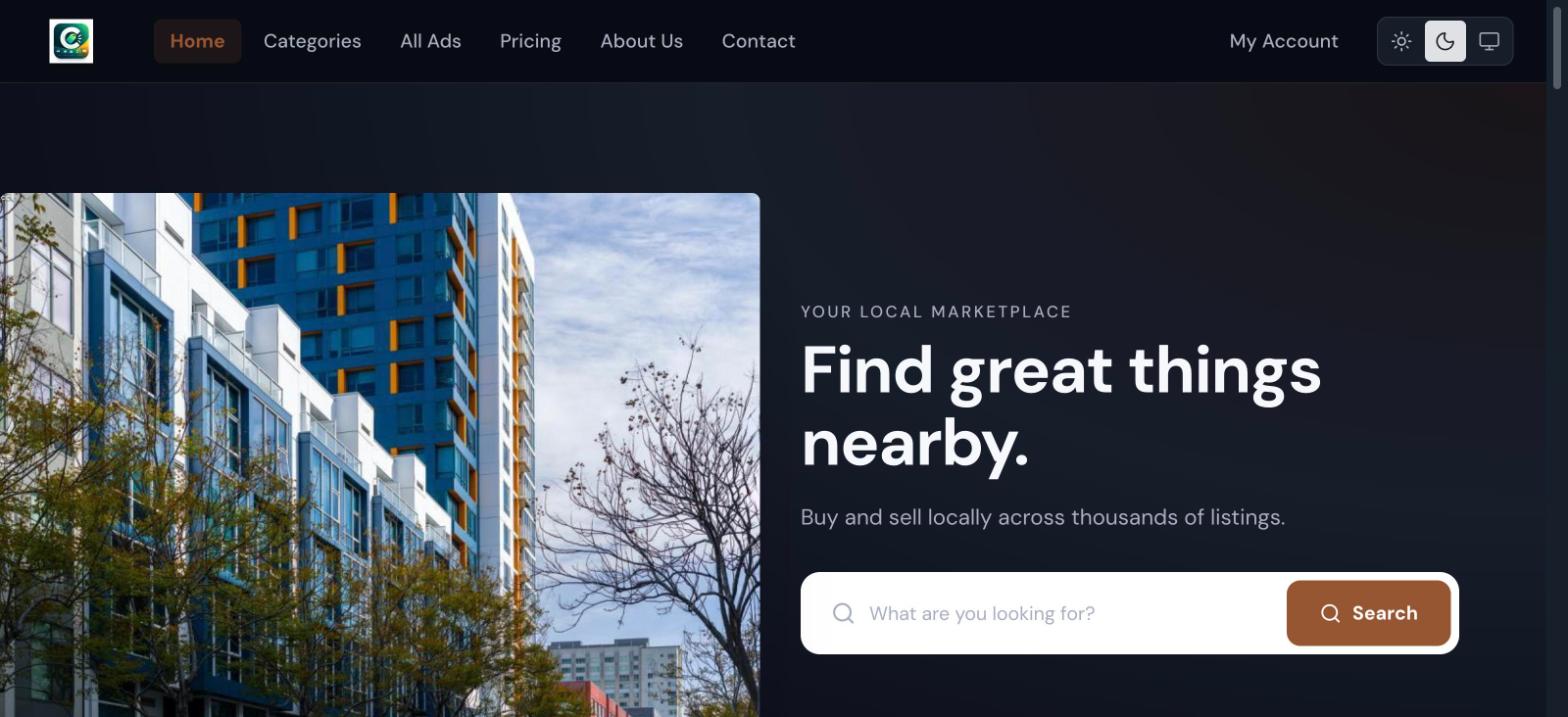
Colors, spacing, and the type scale all draw from Admin → Global Styles — rebranding the public site to a different palette is a settings change, not a code change.