Documentation
Everything you need to run Classify.
Classify is a full local-marketplace platform — buyers browse and message sellers, sellers list and promote items, and a full admin console runs the whole operation. This documentation walks through installing it, and every screen in all three panels: the public site, the member (seller/buyer) panel, and the admin panel.
What is Classify?
Classify is a self-hosted classifieds & marketplace application — think a local, brandable version of a listings site. Visitors browse categorized ads (vehicles, property, electronics, jobs, services, and anything else you configure), search and filter them, and message sellers directly. Sellers create a free account, post listings through a guided wizard, and grow their reach with paid plans, boosts, and a wallet — all backed by real Stripe payments.
Everything a marketplace operator needs is built in: category and attribute management, seller verification, coupons, a visual page builder for content pages, a full audit trail, and a REST API for external integrations. One codebase, three coordinated surfaces:
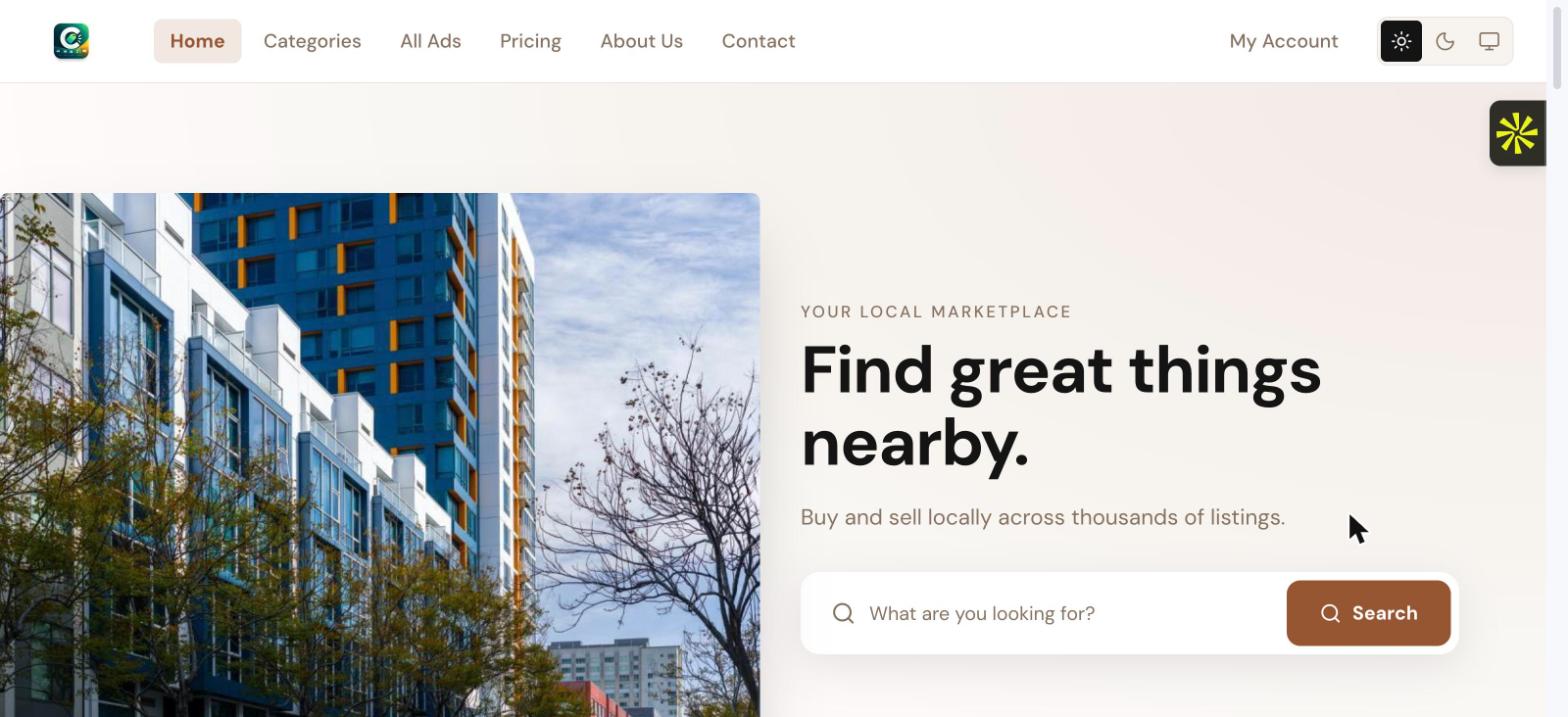
Public frontend
The storefront every visitor sees — browsing, search, ad detail pages, pricing, and account creation. Read the guide →
Member panel
Where buyers and sellers manage listings, messages, wallet, subscription plan, and verification. Read the guide →
Admin panel
Full operational control — moderation, users, monetization, content, and system settings. Read the guide →
Highlights
Guided listing wizard
A 6-step flow (category → details → images → location → payment → publish) with autosave and per-category custom fields.
Real monetization
Subscription plans, pay-per-boost promotions, a prepaid wallet, and coupon codes — all wired to Stripe.
Seller verification
Email, phone (OTP), government ID, and business tiers, each earning trust signals shown to buyers.
Moderation & trust
A risk-scored moderation queue, banned-keyword auto-block, duplicate detection, and a full audit log.
Visual page builder
Build the homepage and static pages from reusable content blocks, themed from one global style palette.
REST API v1
Read-only, API-key authenticated access to published listings, categories, and locations for external apps.
Bulk CSV import
Business accounts can post dozens of listings at once from a spreadsheet, with a live category/location reference tool.
Light & dark mode
Every surface — public site, member panel, and admin — supports a full light/dark theme.
Technology stack
Knowing the stack matters for hosting decisions — see Installation & requirements for what each of these needs on your server.
| Layer | Technology |
|---|---|
| Backend framework | Laravel 13 on PHP 8.4 |
| Frontend | Inertia.js v3 with React — three coordinated single-page apps (frontend, member, admin) |
| Styling | Tailwind CSS v4, with a Tabler-based design system for the admin panel |
| Database | MySQL / MariaDB |
| Search | TNTSearch (file-based, driver-based — swappable for Meilisearch/Algolia) |
| Payments | Stripe (subscriptions, one-off charges, wallet top-ups) |
| Queue & cache | Redis by default — falls back cleanly to the database driver where Redis isn't available (e.g. most shared cPanel hosts) |
| Build tooling | Vite, npm |
Where to go next
- New install? Start with Installation & requirements — it covers cPanel and VPS separately.
- Evaluating the product? Read the Admin panel guide first — it covers everything an operator controls.
- Curious what sellers and buyers experience? See the Member panel guide.
- Want to see the storefront itself? See the Public frontend guide.